Color/Image dropdown is also a visual option selector designed specifically to display product attributes like color, material, or pattern using an image or color block in a dropdown. You can:
- Display single-color values to represent product variations (e.g., Red, Blue, Green).
- Show image thumbnails of the actual product or material for a more visual selection experience.
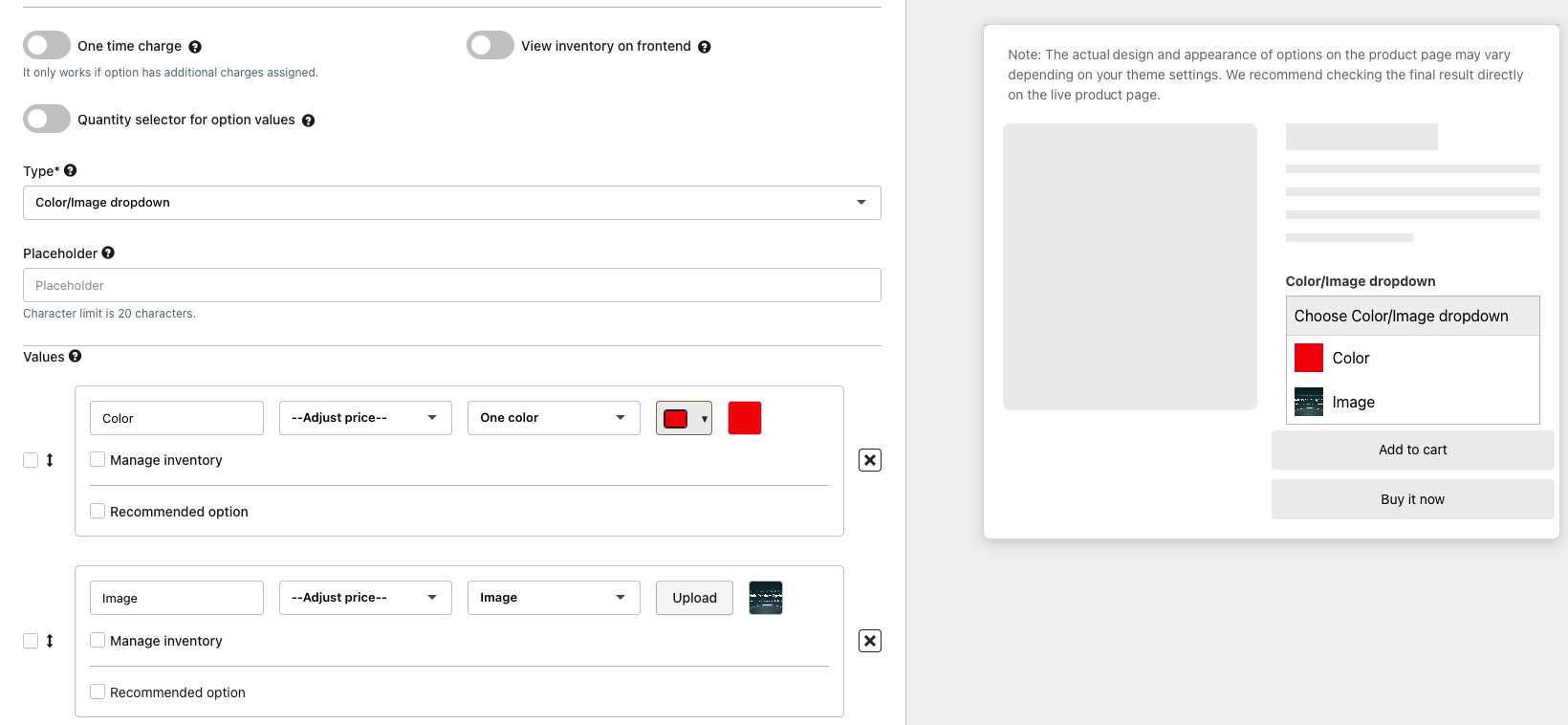
To modify the settings of the Color/Image dropdown, go to Settings>>Display Settings >>Color/Image dropdown and adjust the setting as needed.
Was this article helpful?
That’s Great!
Thank you for your feedback
Sorry! We couldn't be helpful
Thank you for your feedback
Feedback sent
We appreciate your effort and will try to fix the article