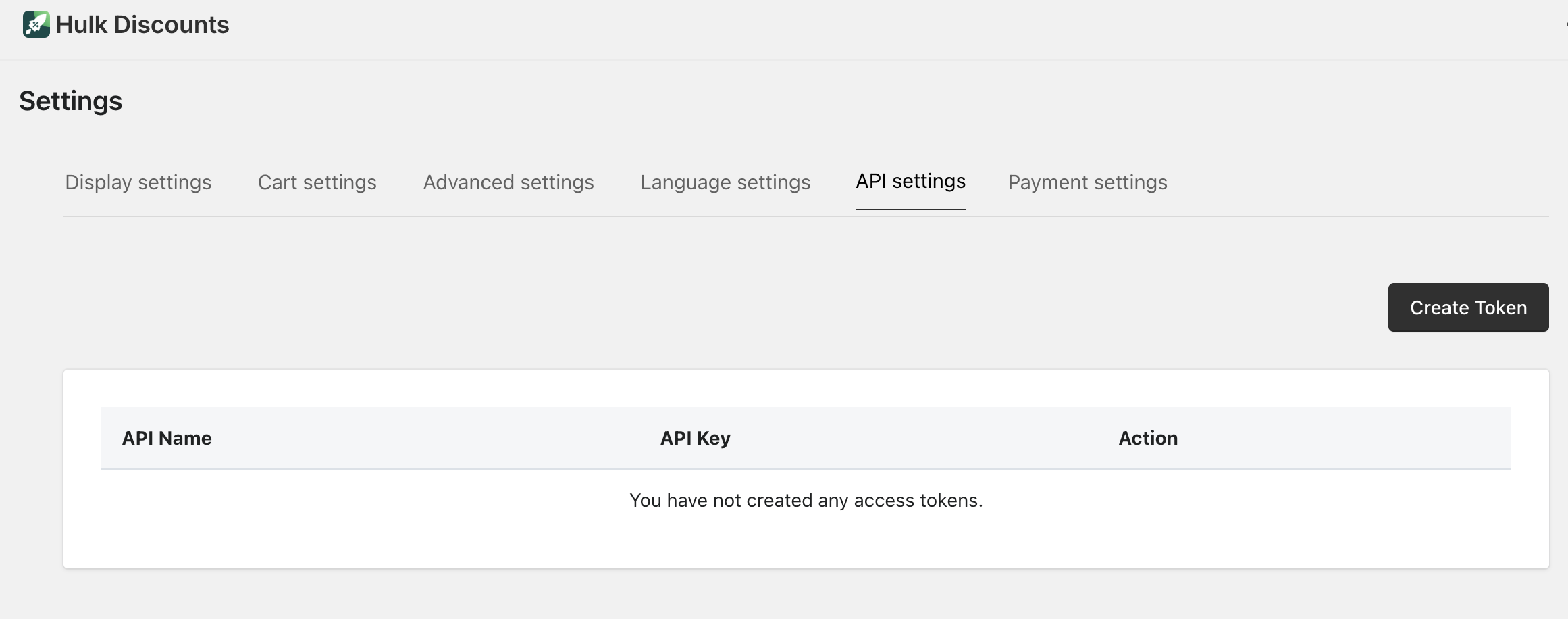
The API Settings tab allows you to generate API tokens for advanced integrations.
To access it, go to:
Settings → API Settings
What Is This For?
The API feature is mainly intended for:
Developers
Technical teams
Agencies building custom integrations
It allows your store to securely connect the app with:
Third-party applications
Custom systems
External tools
What Does It Do?
API Settings lets you:
Generate secure API tokens
Authenticate external systems
Enable data exchange between the app and other platforms
In simple terms:
It allows other software to “communicate” with the app in a secure way.
How to Set It Up
To create and use API tokens, please follow the official documentation:
? https://volumediscount.hulkapps.com/api-docs/index.html
The documentation includes:
Authentication steps
API endpoints
Request and response formats
Usage examples
Was this article helpful?
That’s Great!
Thank you for your feedback
Sorry! We couldn't be helpful
Thank you for your feedback
Feedback sent
We appreciate your effort and will try to fix the article