The Advanced Settings tab gives you more control over how the app behaves and integrates with your store.
To access it, go to:
Settings → Advanced Settings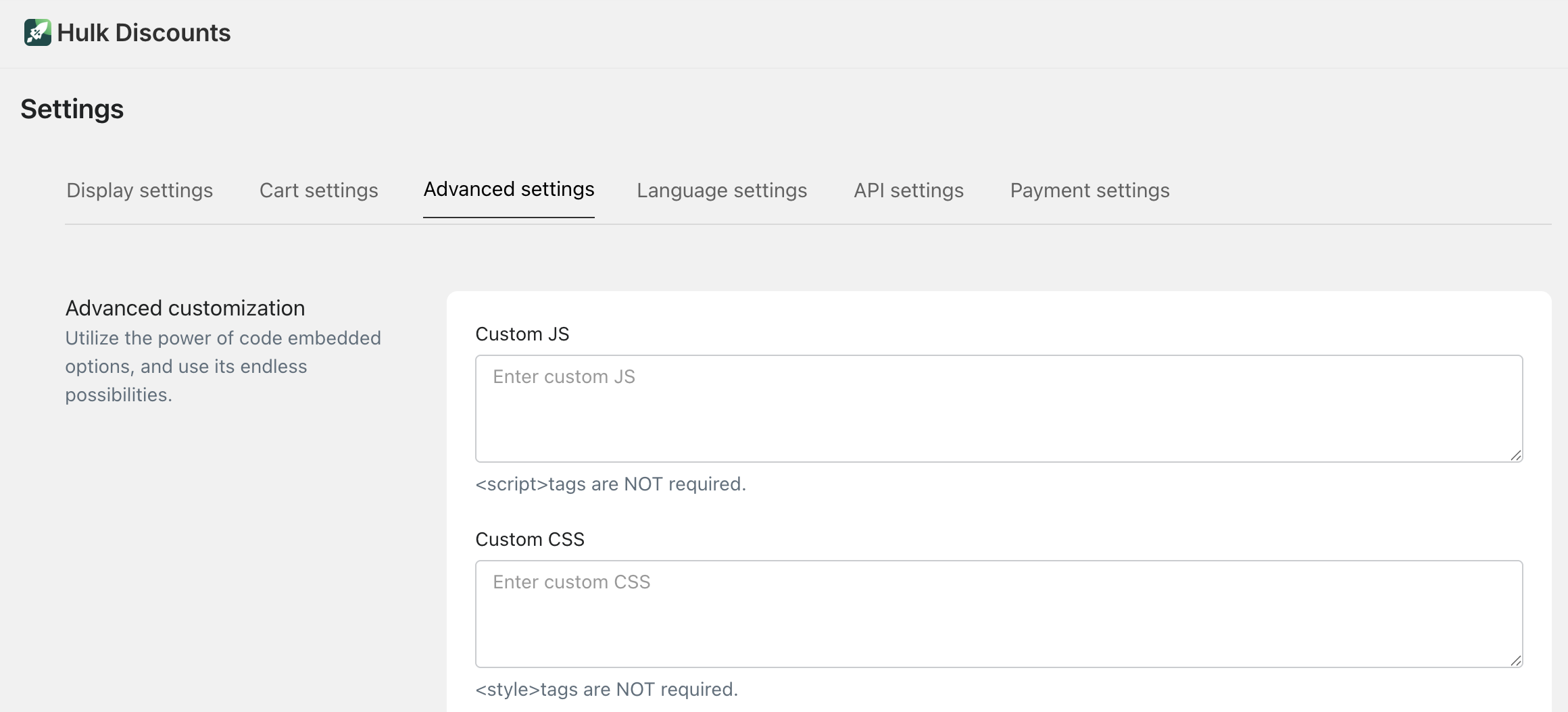
These options are designed for merchants who want deeper customization and integrations.
Custom Code (JS & CSS)
You can add your own custom code to further customize how offers look and behave.
Custom JS
Enter your custom JavaScript
<script> tags are not required
This allows you to:
Add custom logic
Trigger special behaviors
Modify how offers interact with your store
Custom CSS
Enter your custom CSS
<style> tags are not required
This allows you to:
Adjust styling beyond the default settings
Fine-tune spacing, layout, fonts, or animations
Display Customize Text
You can customize specific display text such as:
Customization Cost for (used when showing additional option costs)
This allows you to adjust wording to better match your brand tone.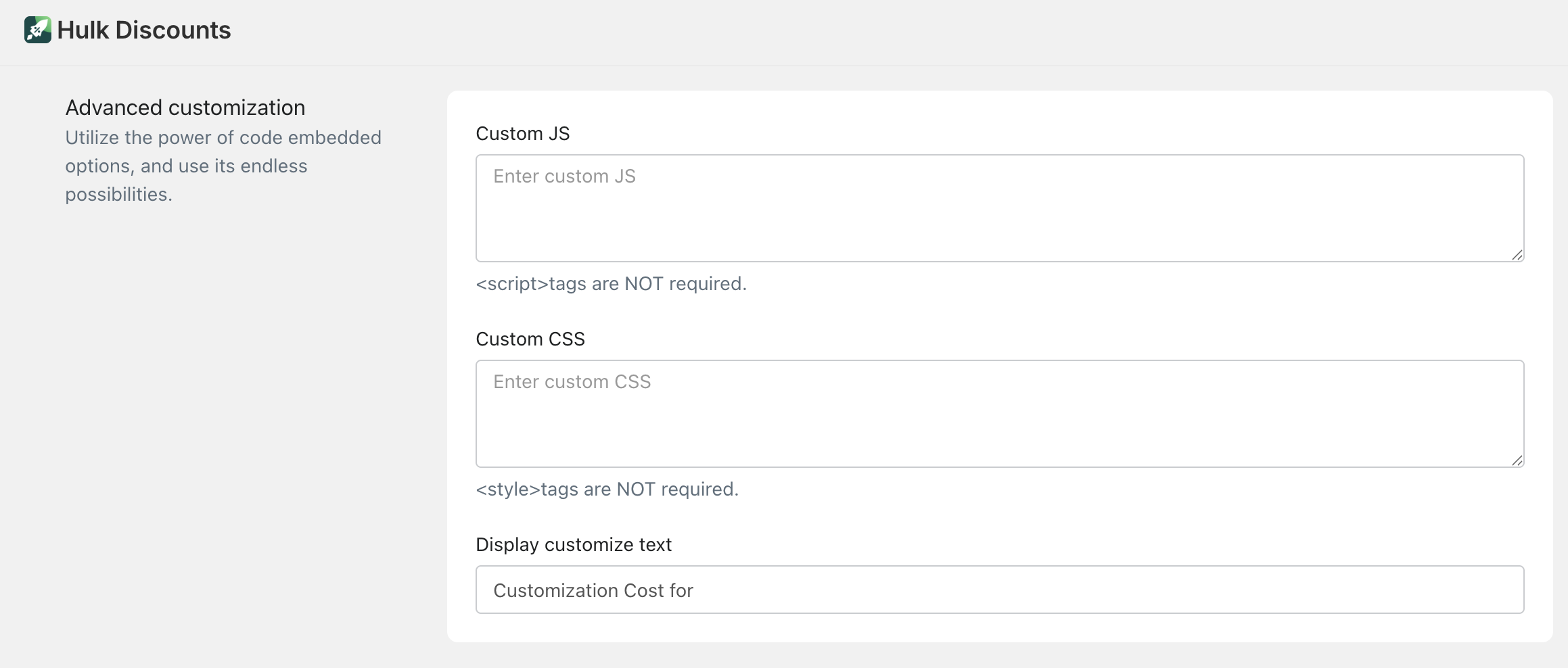
Express Checkout Buttons
Enable this option to integrate:
Shopify Buy Now button
ShopPay button
When enabled, express checkout buttons will work properly alongside your offers.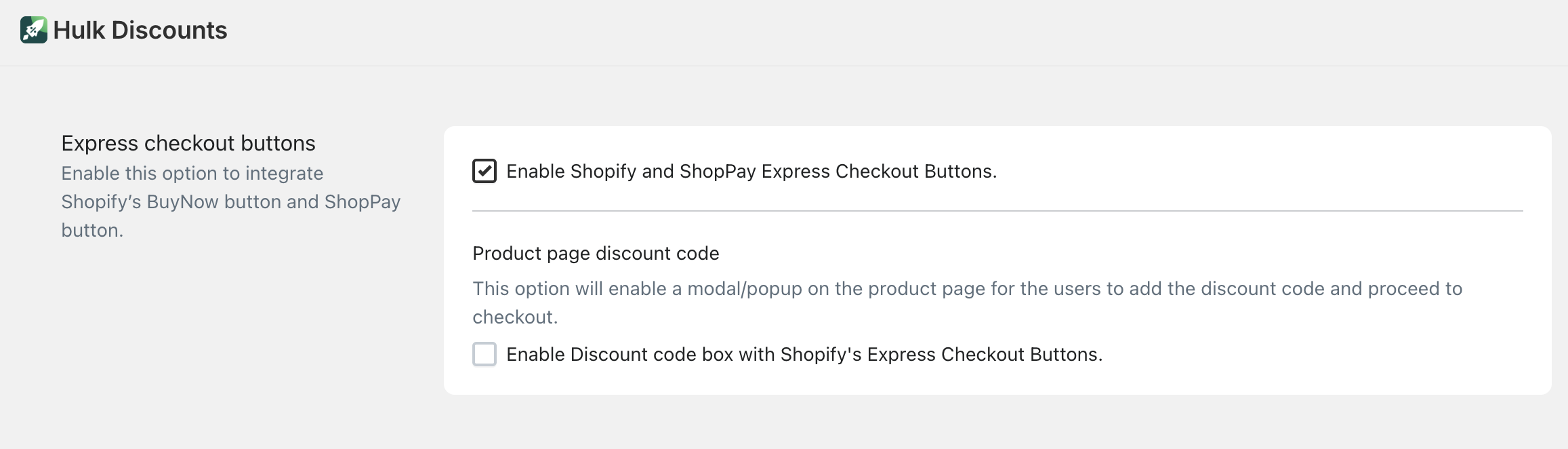
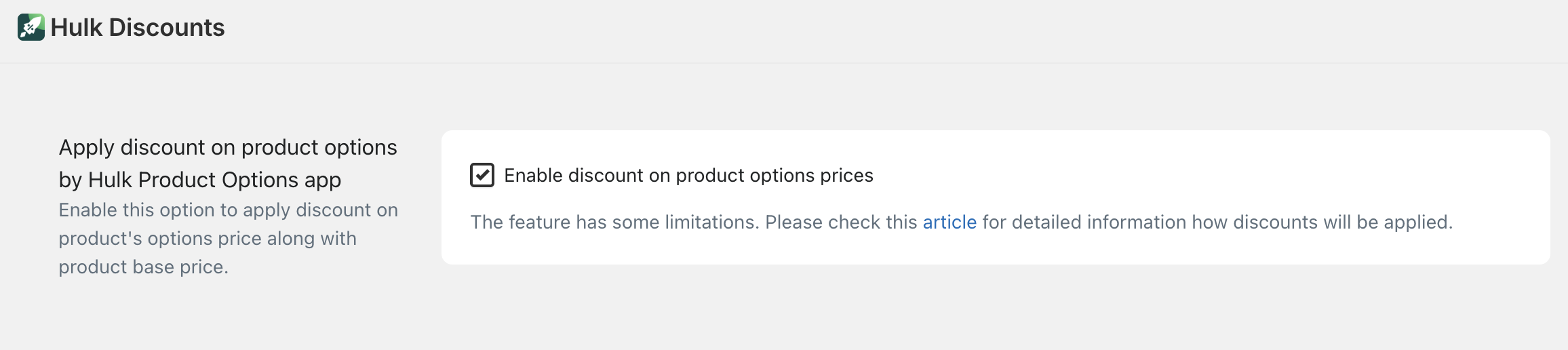
Apply Discount on Product Options (Hulk Product Options App)
If you are using Hulk Product Options, you can enable this setting to:
Apply the discount not only to the base product price
But also to the selected product option prices
 Example:
If a product has a paid add-on, the discount can apply to the total (product + option).
⚠️ Note: This feature has limitations. Please refer to the detailed guide for how discounts are calculated.
Change Scheduled Offers Timezone
By default, the app uses UTC timezone.
You can change this to match your store’s local timezone.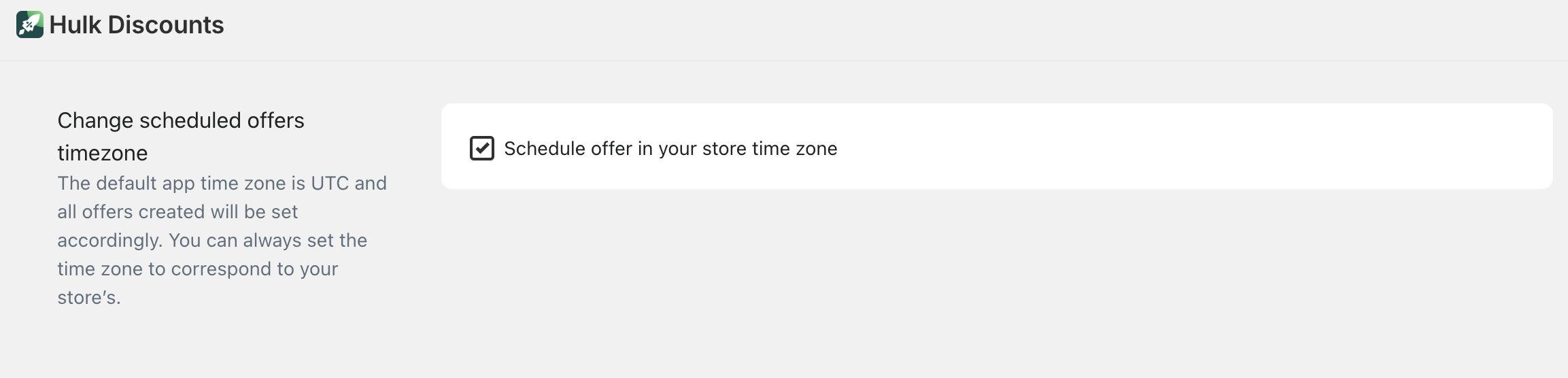
This ensures:
Scheduled offers start and end at the correct time for your store.
Metafield Integration
You can enable metafield integration to use metafields with the app.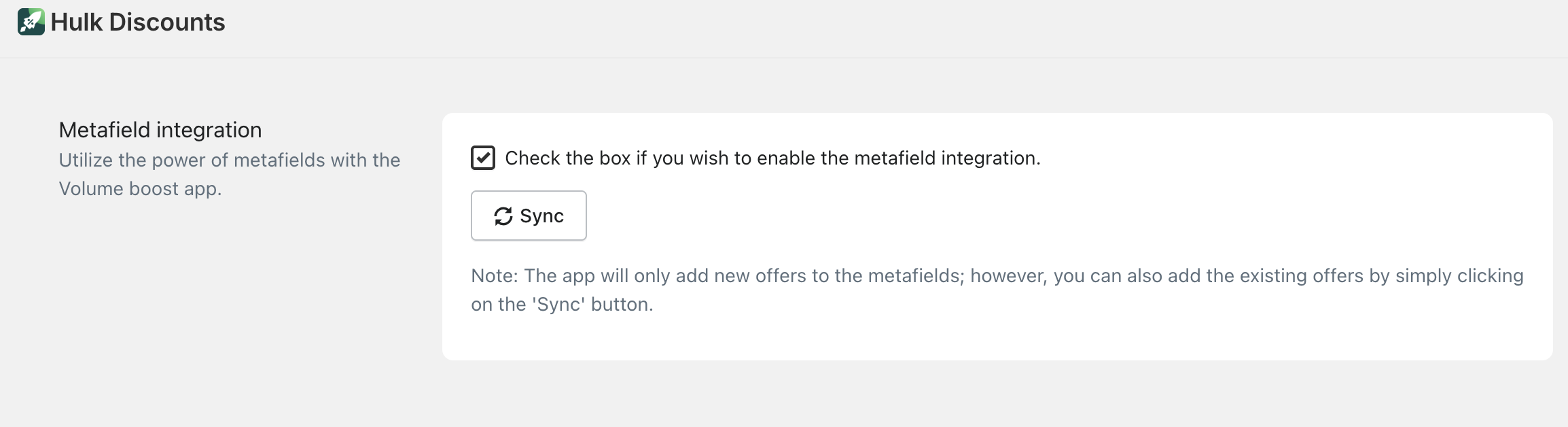
This allows for:
More advanced and dynamic offer setups
Greater flexibility for customized stores
Monthly Analysis Emails
The app sends monthly performance reports to help you track:
Store performance with the app
Revenue impact
Offer effectiveness
If you prefer not to receive these emails, you can disable them here.
Pixel Integration
You can add tracking pixels to monitor performance and conversions.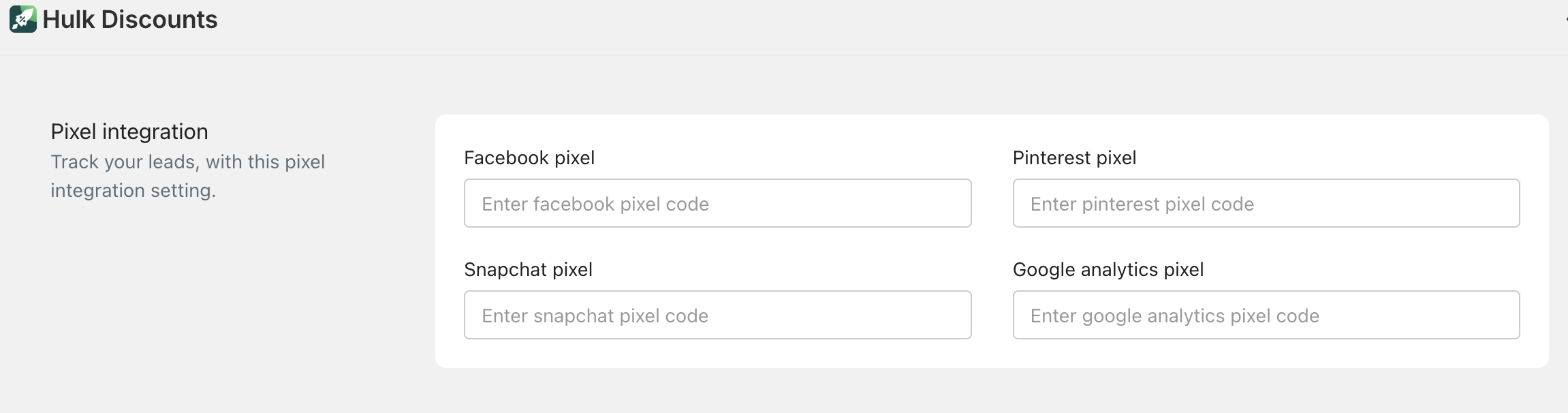
Available options:
Facebook Pixel
Pinterest Pixel
Snapchat Pixel
Google Analytics Pixel
Simply paste the pixel code into the relevant field.
This helps you:
Track leads
Measure conversions
Optimize your marketing campaigns
Additional Tags
You can add tags to better organize: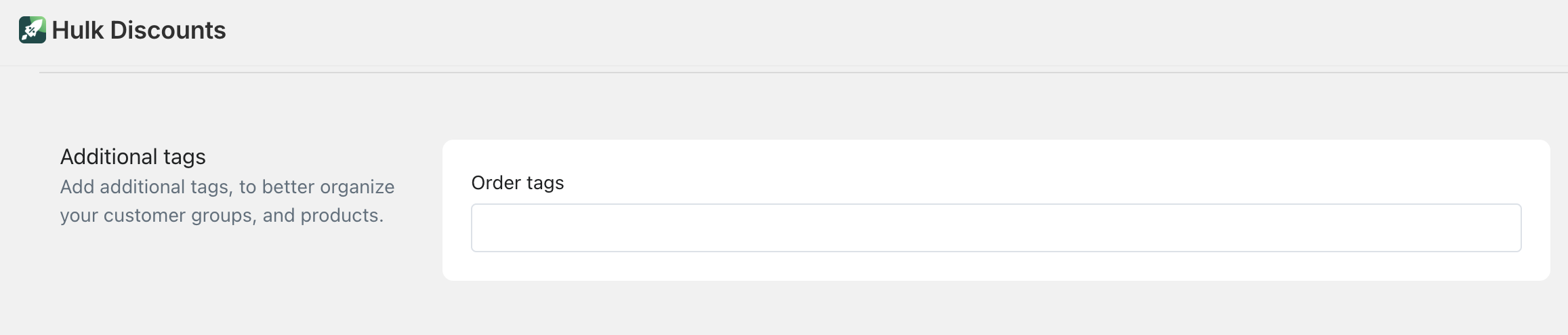
Orders
Customer groups
Products
Order Tags
Automatically apply tags to orders created through offers for easier tracking and segmentation.
Hide Line Item Discount Properties on Checkout
You can control what customers see during checkout.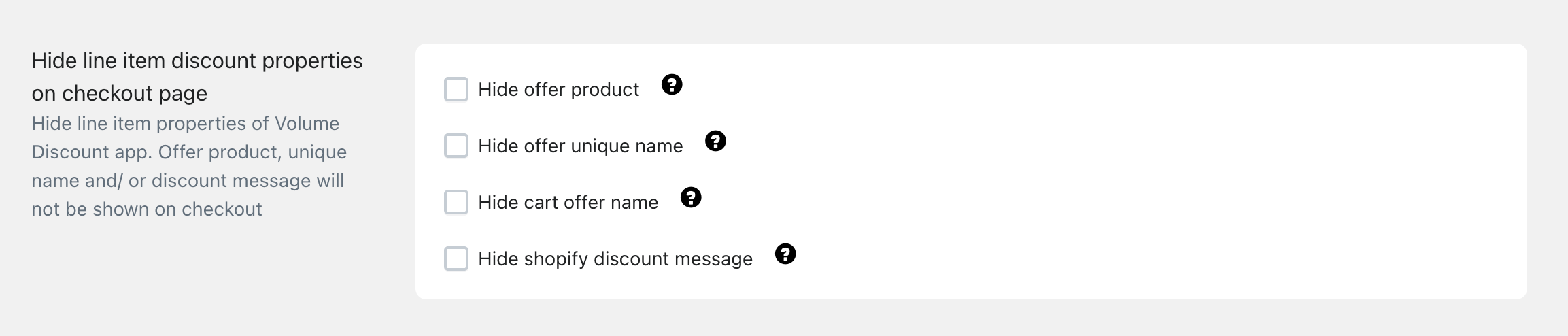
Available options:
Hide offer product
Hide offer unique name
Hide cart offer name
Hide Shopify discount message
In simple terms:
You can choose whether offer-related details are visible on the checkout page.
This is useful if you want:
A cleaner checkout experience
Less technical discount breakdown
Simpler messaging for customers
Was this article helpful?
That’s Great!
Thank you for your feedback
Sorry! We couldn't be helpful
Thank you for your feedback
Feedback sent
We appreciate your effort and will try to fix the article