This usually happens when the options are not set as required in the option set configuration. If an option is optional, customers can add the product to the cart without selecting it, which may result in the option not appearing in the order.
To make an option mandatory:
Open the Option Set that contains the option you want to require.
Check the “Required” option.
Save the changes.
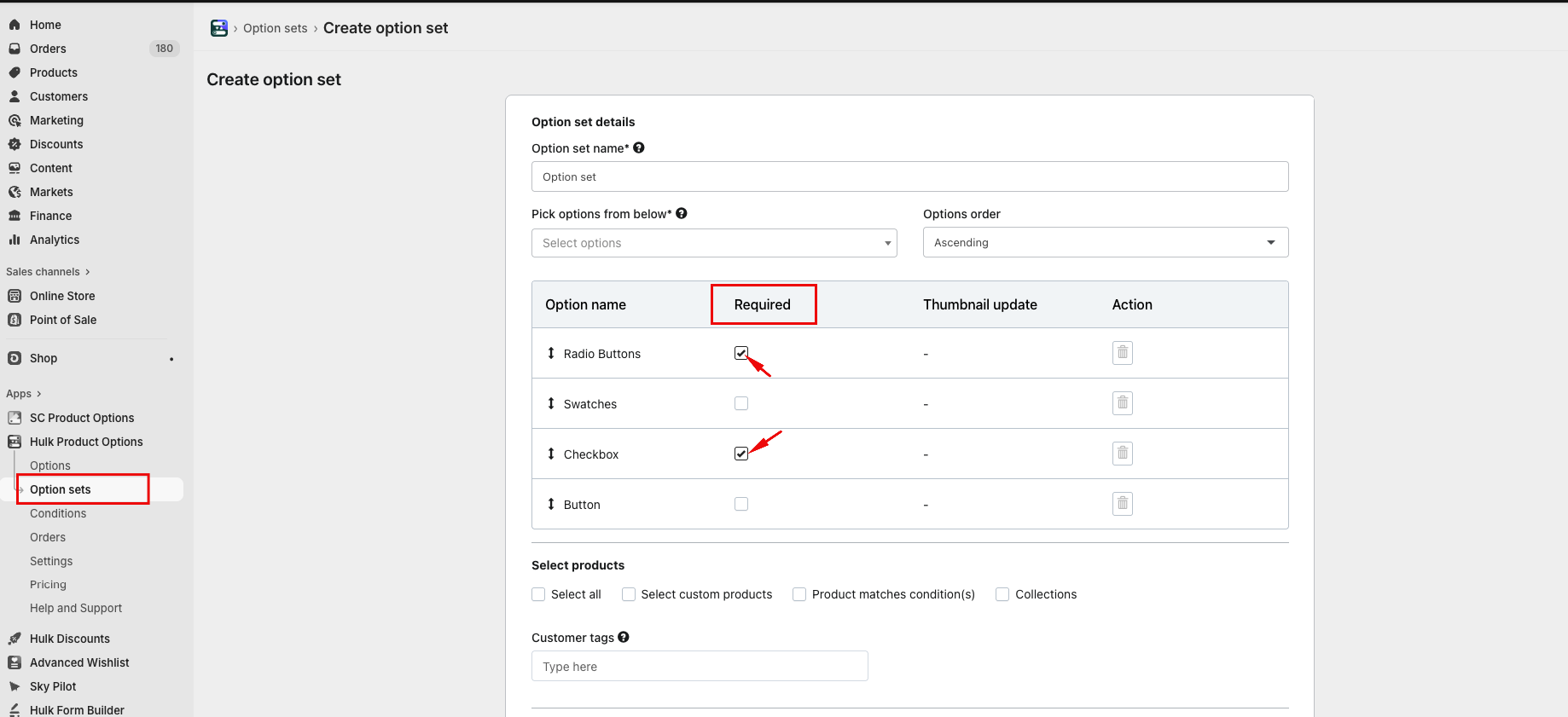
Once the option is marked as Required, customers will not be able to add the product to the cart unless they select a value for that option. This ensures the selected option appears correctly in the order.
Was this article helpful?
That’s Great!
Thank you for your feedback
Sorry! We couldn't be helpful
Thank you for your feedback
Feedback sent
We appreciate your effort and will try to fix the article