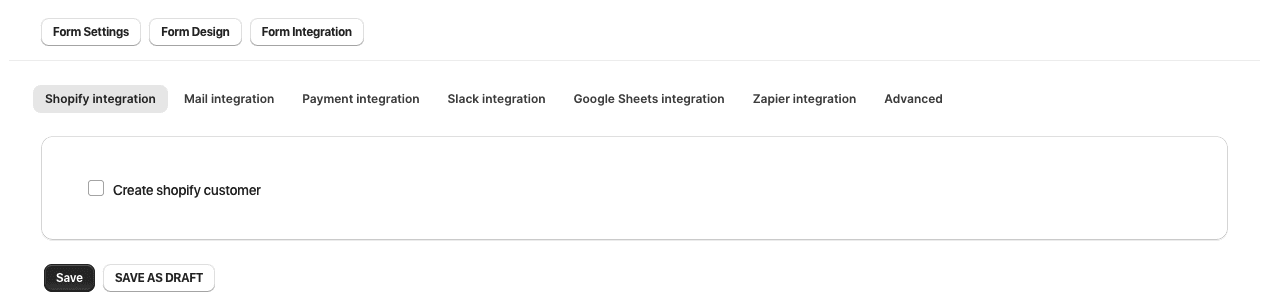
1. Under “Shopify Integration” in "Form Integration", you can toggle "Create Shopify Customer" to create a new user for the store.
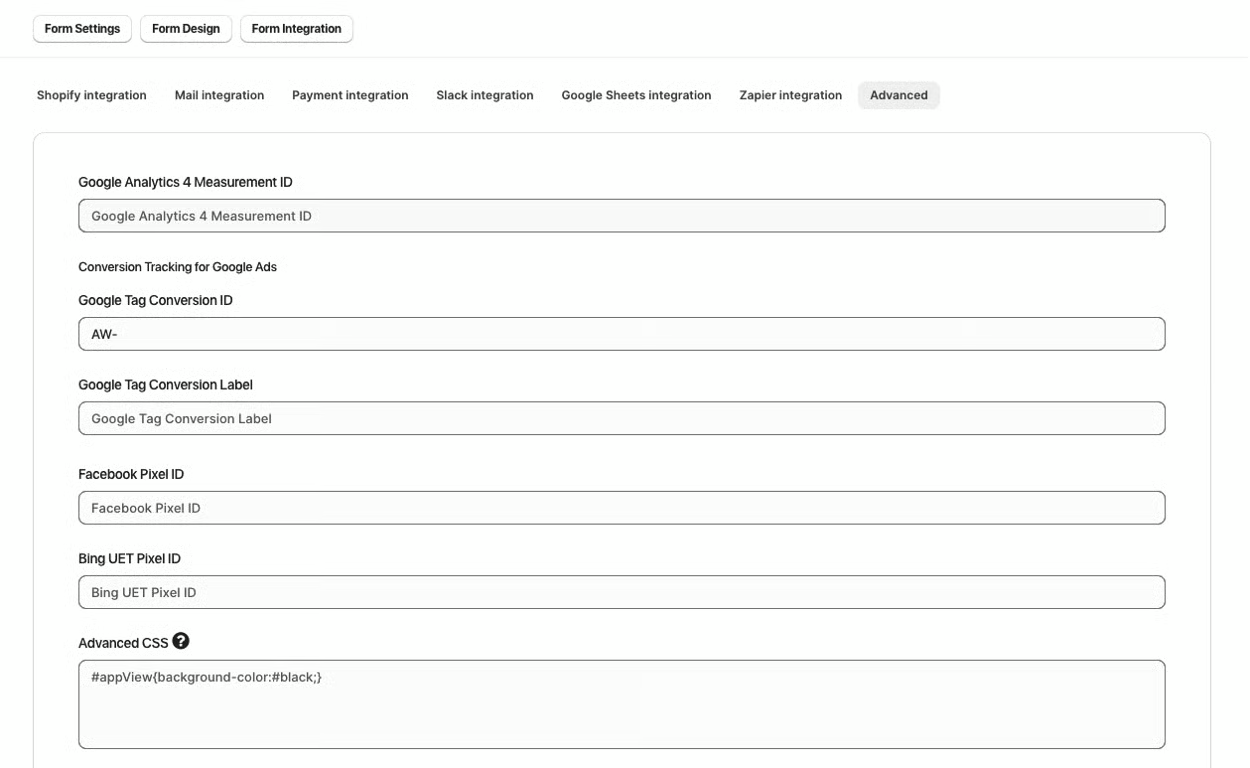
2. The “Advanced” section allows you to enter a “Google Analytics Measurement ID” as well as implement more custom designs using “Advanced CSS” and “Advanced JS”
3. Click “Save as Draft” or if you are ready to publish the form live, click "Save"

Was this article helpful?
That’s Great!
Thank you for your feedback
Sorry! We couldn't be helpful
Thank you for your feedback
Feedback sent
We appreciate your effort and will try to fix the article