NOTE: These guidelines are applied to all Shopify Online Store 1.0 and 2.0 themes.
Follow these steps for enabling the HulkApps Order Tracking in your store
- Navigate to the Apps page of your Shopify store and open the Order Status Tracker application.
- Go to the Theme Customizer in the app embeds, to enable the app in your store.
- Add Order Status Page Link to The Navigation Menu
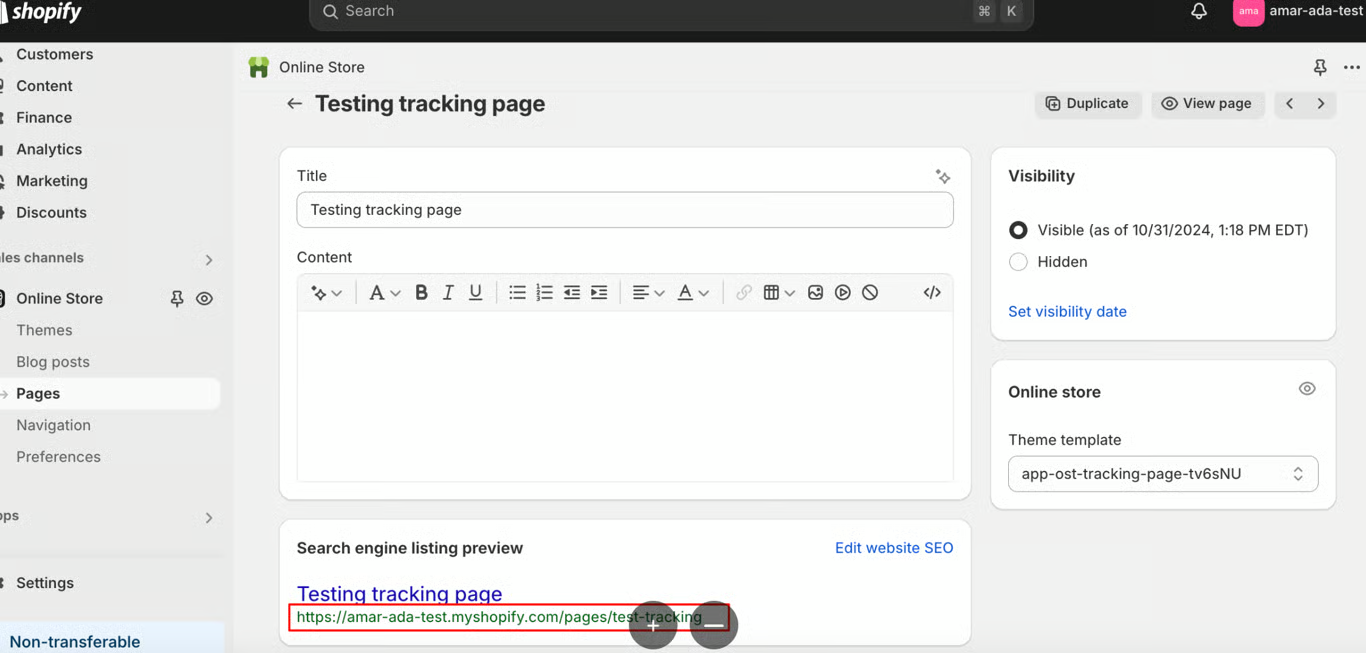
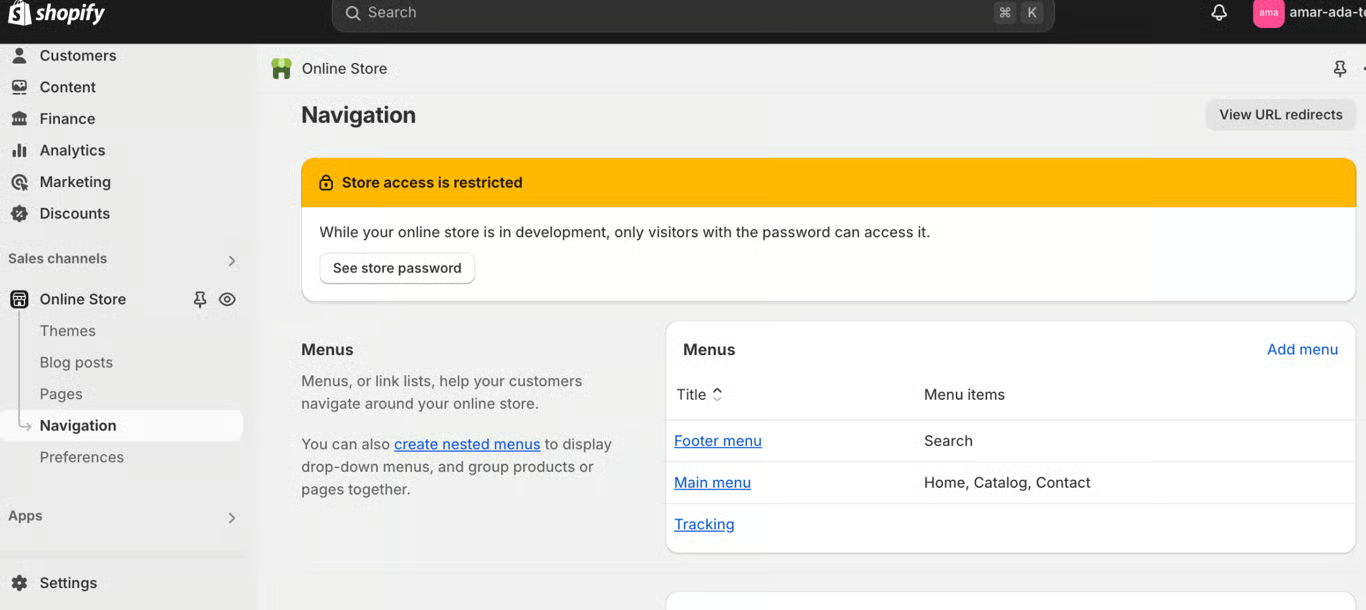
4. Go to the Navigation menu from the Online Store Navigation and add an option for Order Tracking Page and Save.
5. Create a test order.
Was this article helpful?
That’s Great!
Thank you for your feedback
Sorry! We couldn't be helpful
Thank you for your feedback
Feedback sent
We appreciate your effort and will try to fix the article