If you want to place your Wishlist button at a specific, desired location on your product page, you can easily achieve this by performing a manual code installation.
How to Locate Your Manual Code Snippet
To find and copy the required code snippet, follow these steps in the app backend:
Head to the Installation tab.
Select the Wishlist button on the Product Page tab.
Click on the Select option dropdown menu.
Select Manual installation.
Copy the unique code snippet displayed there.
{% render 'hulkapps-wishlist-product-btn' %}
Next Steps
Once you have copied the code from the app backend, you can paste it directly into your theme's liquid file at the exact location where you want the button to appear.
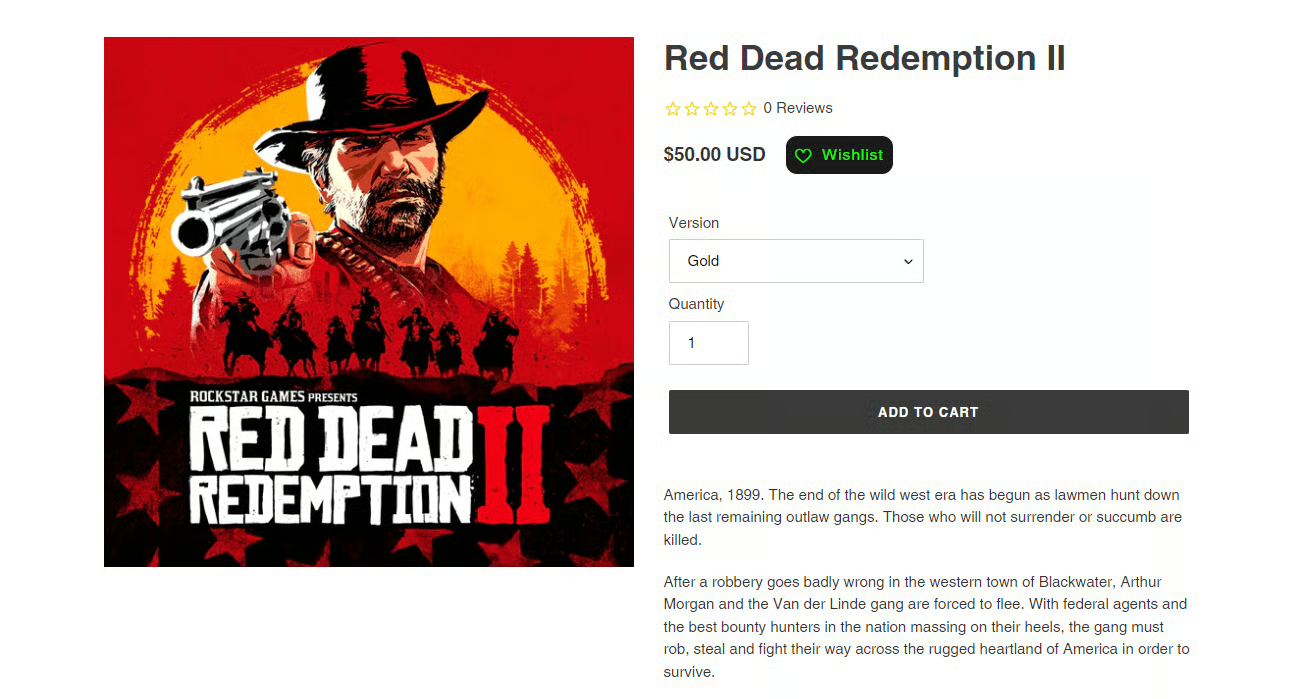
Here are some of the examples of where you can add the “Wishlist button”:
Above the Add to Cart button
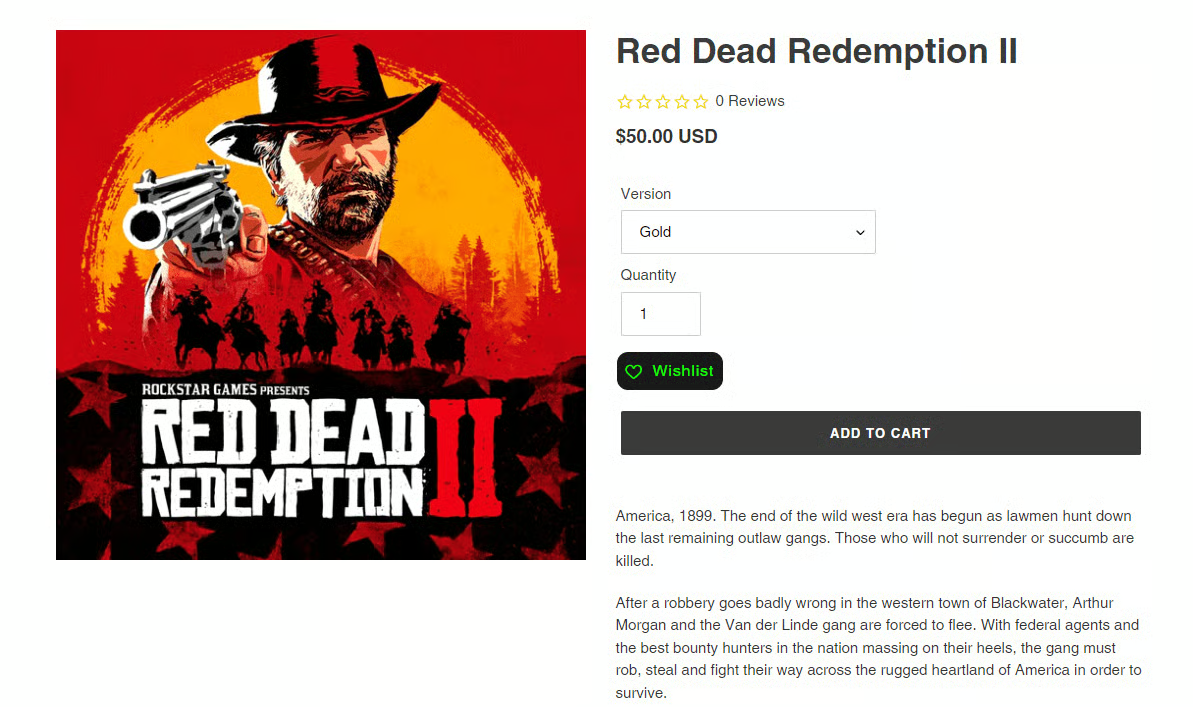
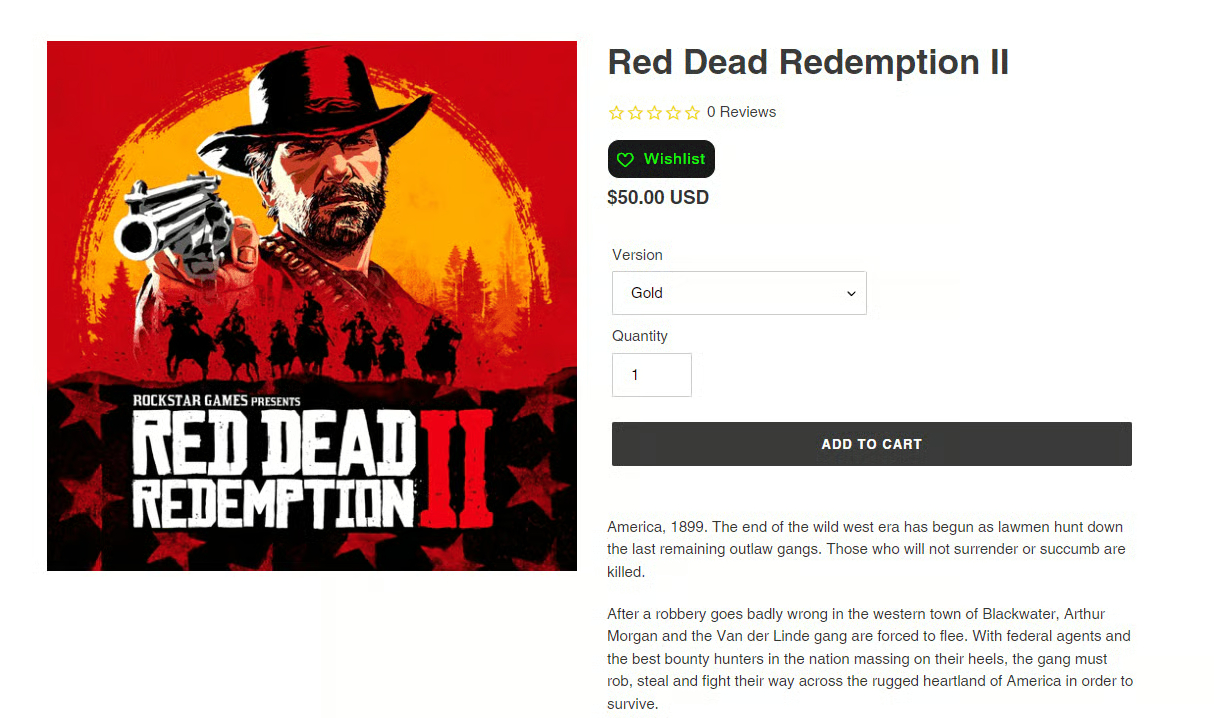 Next to Price
Was this article helpful?
That’s Great!
Thank you for your feedback
Sorry! We couldn't be helpful
Thank you for your feedback
Feedback sent
We appreciate your effort and will try to fix the article