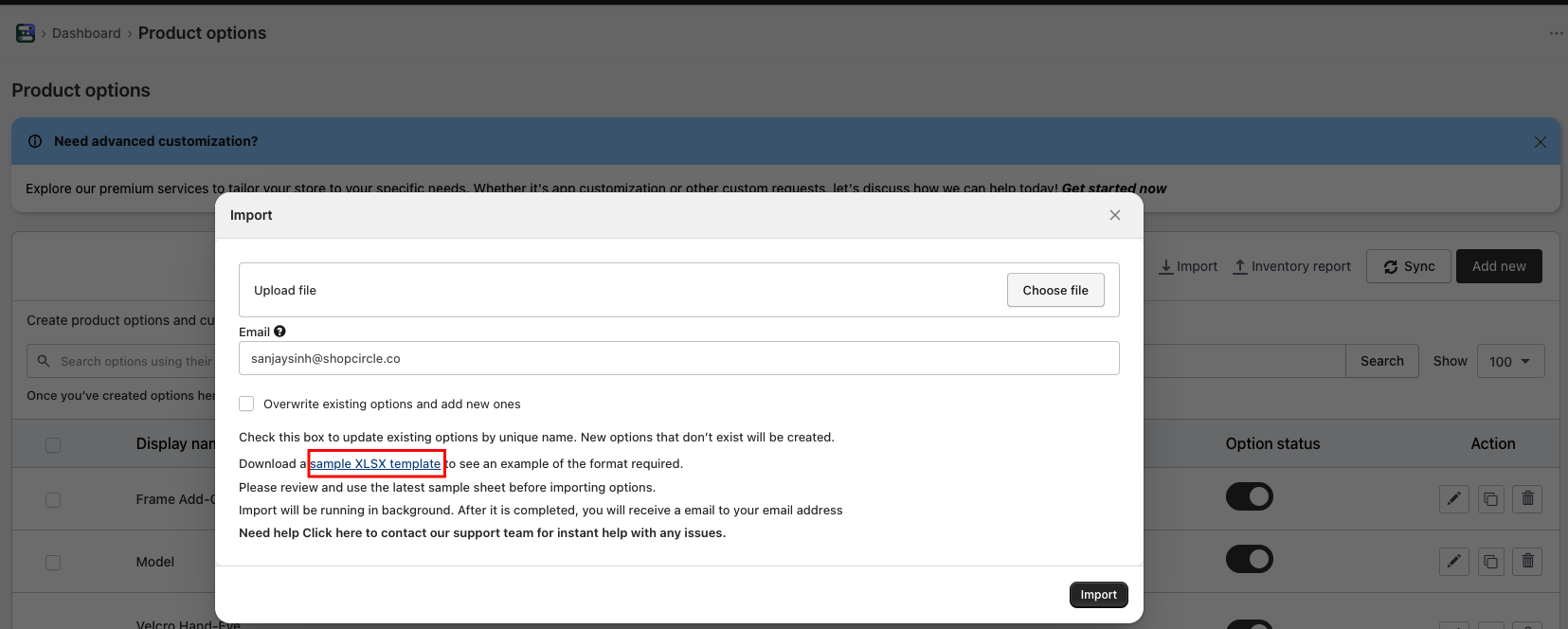
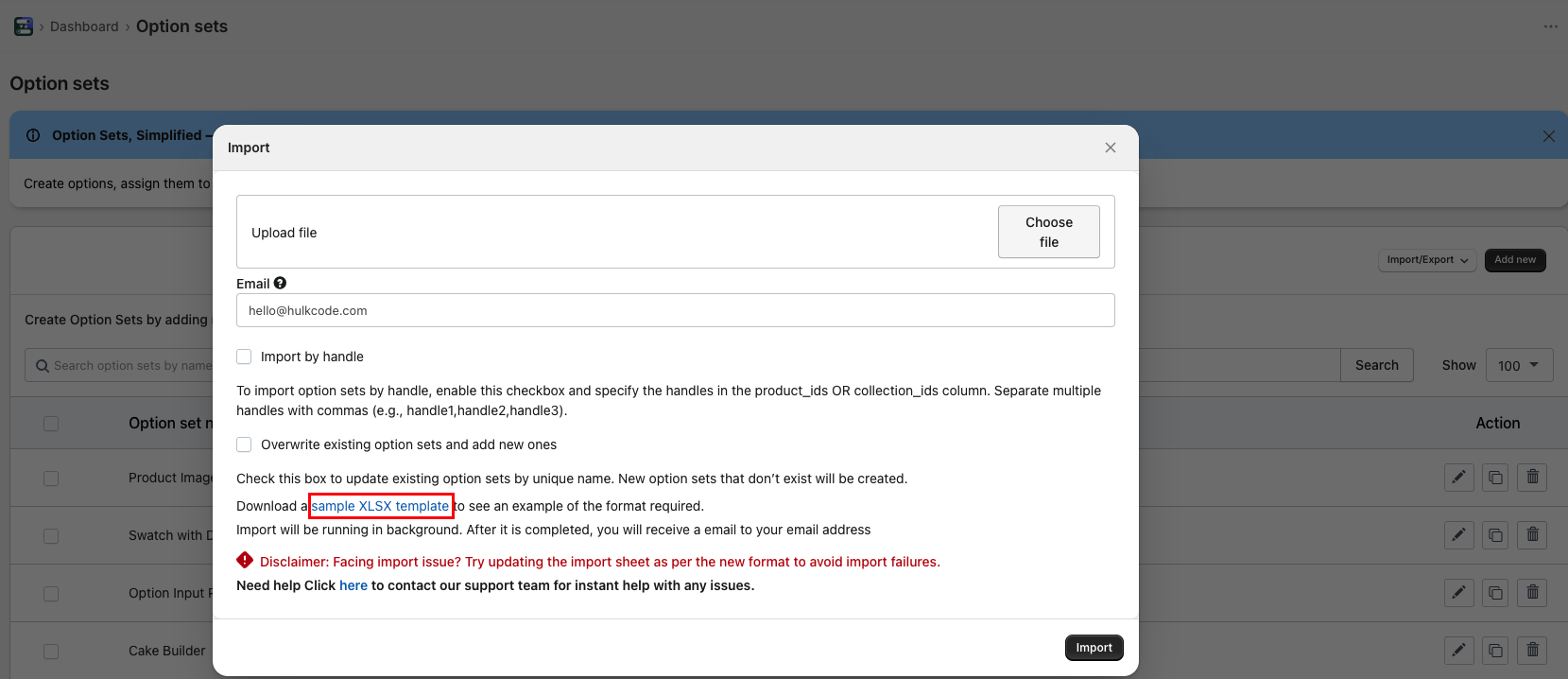
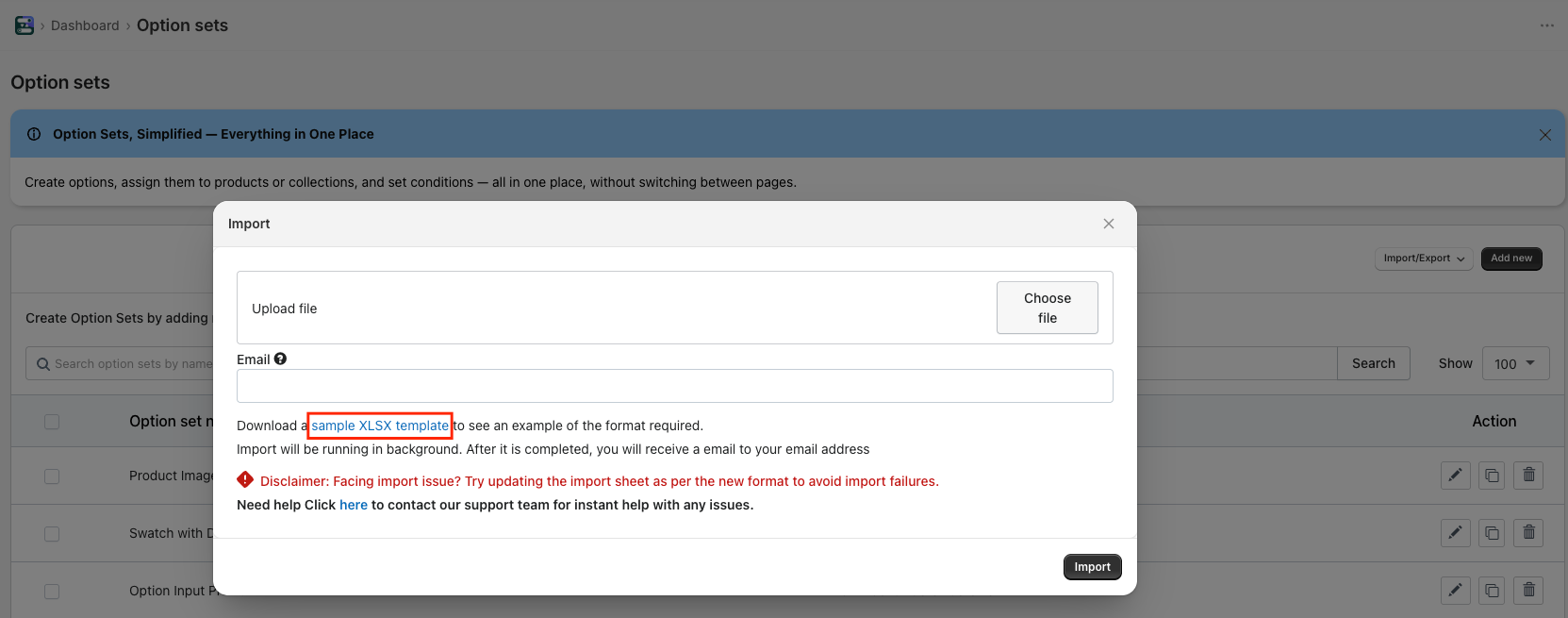
Yes, the app allows you to import and export Options, Option Sets (available on the Advanced plan), and Conditions (available on the Enterprise plan). Sample files are provided for each import type to help you identify required fields and correctly format your data before uploading.
- Sample CSV for Importing Options:
- Sample CSV for Importing Option sets:
- Sample CSV for Importing conditions:
Was this article helpful?
That’s Great!
Thank you for your feedback
Sorry! We couldn't be helpful
Thank you for your feedback
Feedback sent
We appreciate your effort and will try to fix the article