When customers select custom options using the Hulk Product Options app, those selections are saved as line item properties in Shopify. These can be added to the staff order confirmation email so store owner can easily see the options selected in the order details.
Step 1: Access Your Shopify Email Template
Step 2: From your Shopify Admin, go to Settings >> Notifications.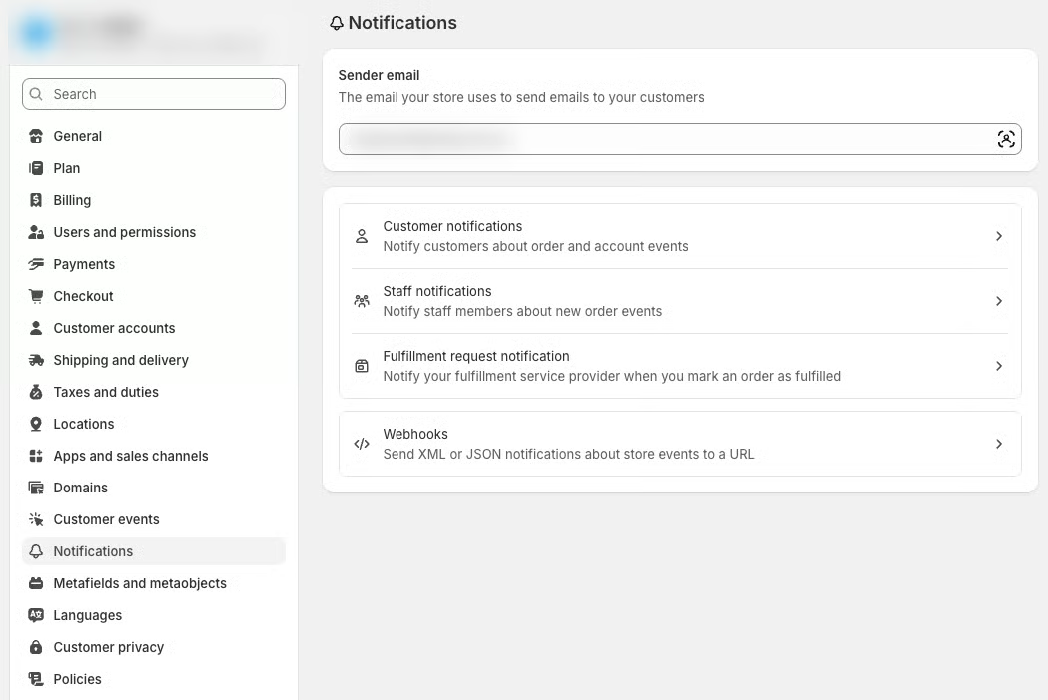
Step 3: Click on New order under the “Staff notifications” section.
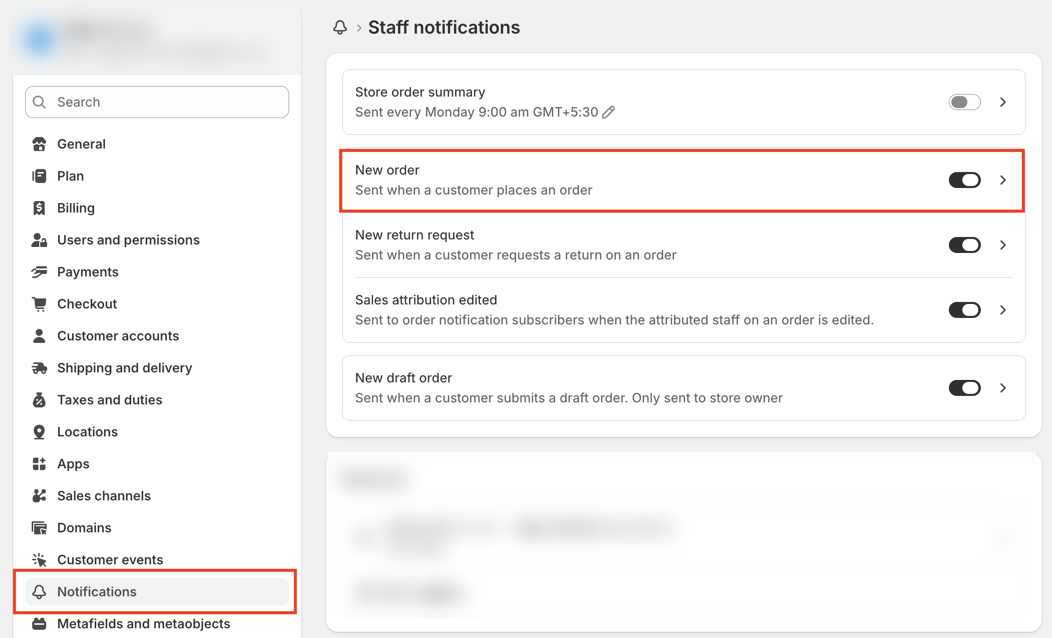
Step 4: Click Edit Code to open the email template editor.
Step 5: Find the following line of code in your template — line.product.title
Paste the following code just below it:
{% for property in line.properties %}
{% assign property_first_char = property.first | slice: 0 %}
{% if property.last != blank and property_first_char != '_' %}
<div class="order-list__item-property">
<dt>{{ property.first }}:</dt>
<dd>
{% if property.last contains '/uploads/' %}
<a href="{{ property.last }}" class="link" target="_blank">
{{ property.last | split: '/' | last }}
</a>
{% else %}
{{ property.last }}
{% endif %}
</dd>
</div>
{% endif %}
{% endfor %}
Step 7: Click the Save button located at the top of the page.
Once added, you as a store owner will be able to see your customer selected options directly in the order confirmation email.