The Advanced Settings section gives you greater control over how offers behave across your store. These settings are designed for merchants who want to fine-tune discount logic, display behavior, and technical details beyond the default configuration.
You can access Advanced Settings from the app’s Settings page.
How to Access Advanced Settings
Open the app
Go to the Settings page
Click the Advanced Settings tab
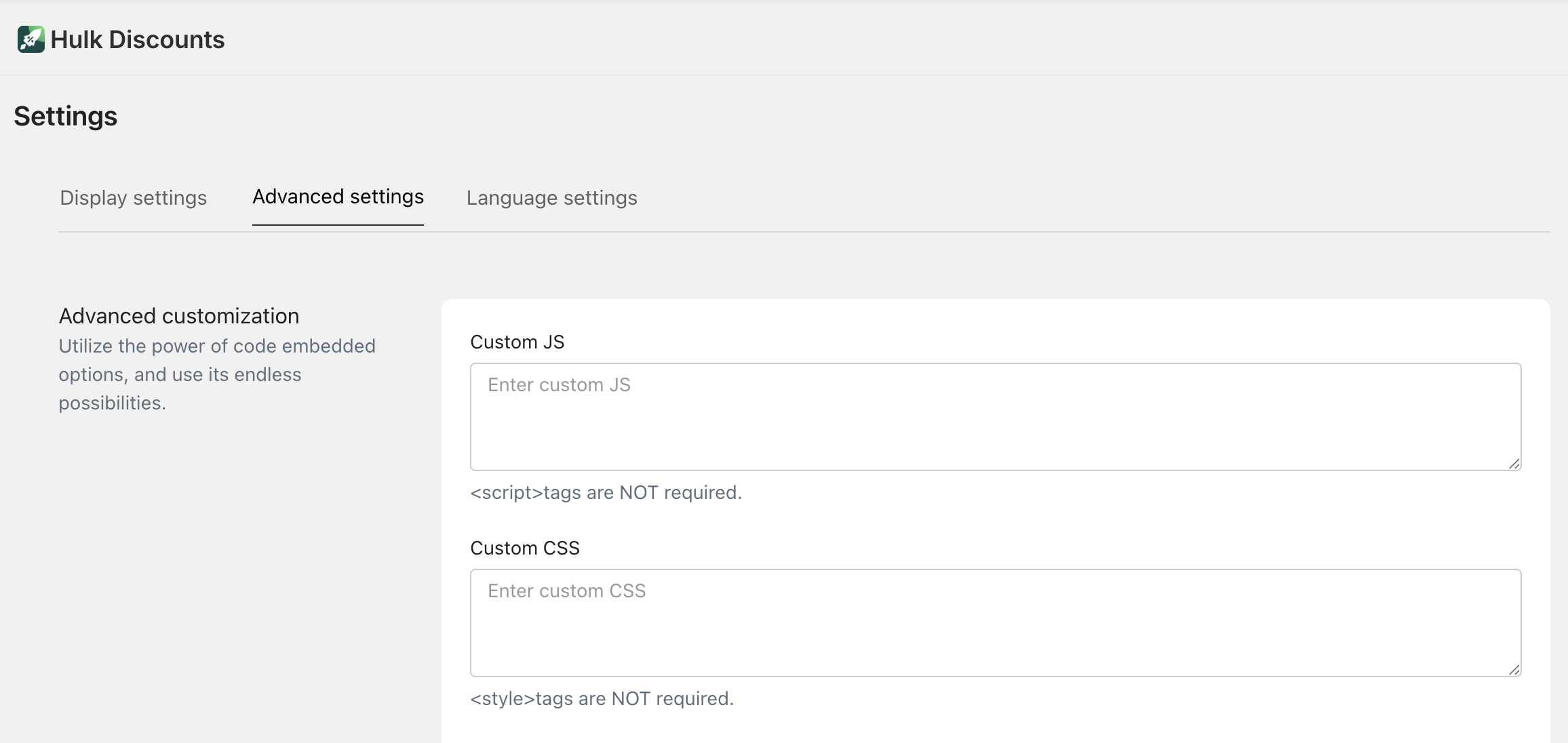
From here, you can manage advanced capabilities that affect how offers are calculated, displayed, and scheduled.
What Can Be Managed in Advanced Settings
Advanced Settings allow you to configure capabilities such as:
Offer behavior across different time zones
Advanced discount logic and rule handling
Compatibility with Shopify checkout and cart behavior
Display and performance-related adjustments
Edge-case handling for complex promotions
These options help ensure your offers behave exactly as expected in more advanced or custom scenarios.
Time & Scheduling Configuration
Advanced Settings allow you to manage how offer schedules behave in relation to time zones.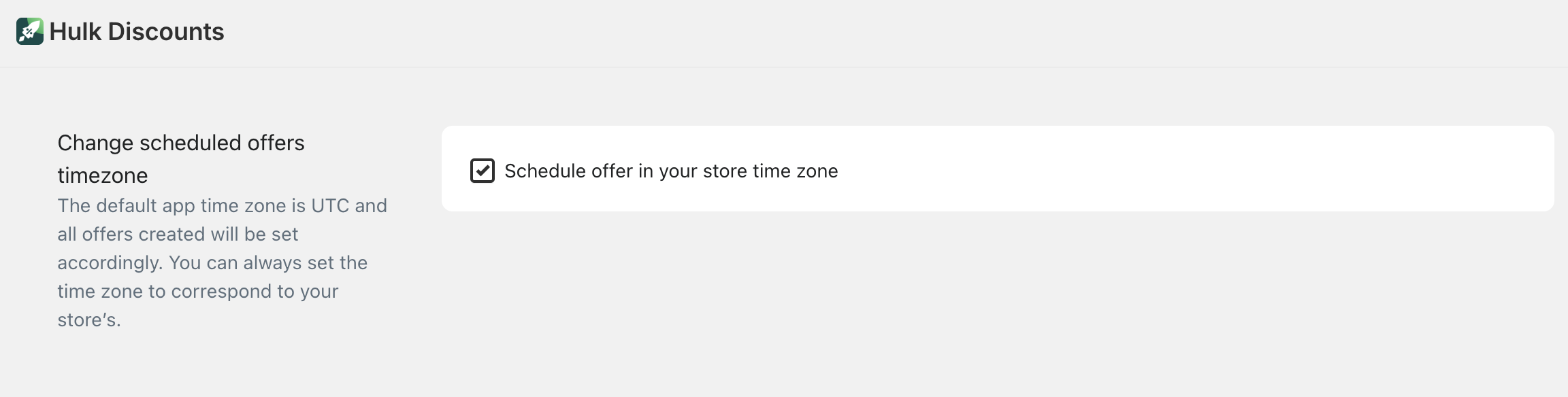
Offers are scheduled using UTC time by default
Time zone adjustments can be handled here to ensure offers start and end correctly for your target audience
This is especially useful for:
Global stores
Flash sales
Countdown timer–based promotions
Proper time configuration ensures discounts activate and expire at the intended moment.
Discount Logic & Offer Behavior
In Advanced Settings, you can control how discounts behave in more complex situations, such as:
How multiple offers interact when applied together
Priority handling when multiple discounts are eligible
Edge cases where cart conditions change rapidly (e.g. quantity updates, item removal)
These controls help prevent unexpected discount behavior and ensure a consistent checkout experience.
Checkout & Cart Compatibility
Advanced Settings help ensure your offers remain compatible with different cart and checkout flows, including:
Dynamic cart updates
Checkout recalculations
Cart drawer or mini-cart behavior
This is especially important for stores using custom themes or advanced checkout configurations.
Performance & Display Controls
Some Advanced Settings affect how offers are rendered and loaded on the storefront:
Optimize how offer widgets load on product and cart pages
Control fallback behavior if certain conditions are not met
Improve stability for stores with high traffic or complex catalogs
These options help maintain performance without sacrificing functionality.
When Should You Use Advanced Settings?
Advanced Settings are recommended if:
You run complex or overlapping promotions
You operate across multiple time zones
You use BXGY, Bundle, Volume, and Shipping discounts together
You need precise control over discount behavior
If your promotions are straightforward, default settings are usually sufficient.
Best Practices
- Adjust Advanced Settings carefully and test changes before going live
- Preview offers after making changes
- Use scheduling and time zone controls for all limited-time campaigns
- Contact support if you’re unsure how a setting impacts live discounts
Was this article helpful?
That’s Great!
Thank you for your feedback
Sorry! We couldn't be helpful
Thank you for your feedback
Feedback sent
We appreciate your effort and will try to fix the article