The app allows you to change the complete look & feel of the forms to match it with your store theme. Here’s how you do it.
Go to the app > Forms > Edit form
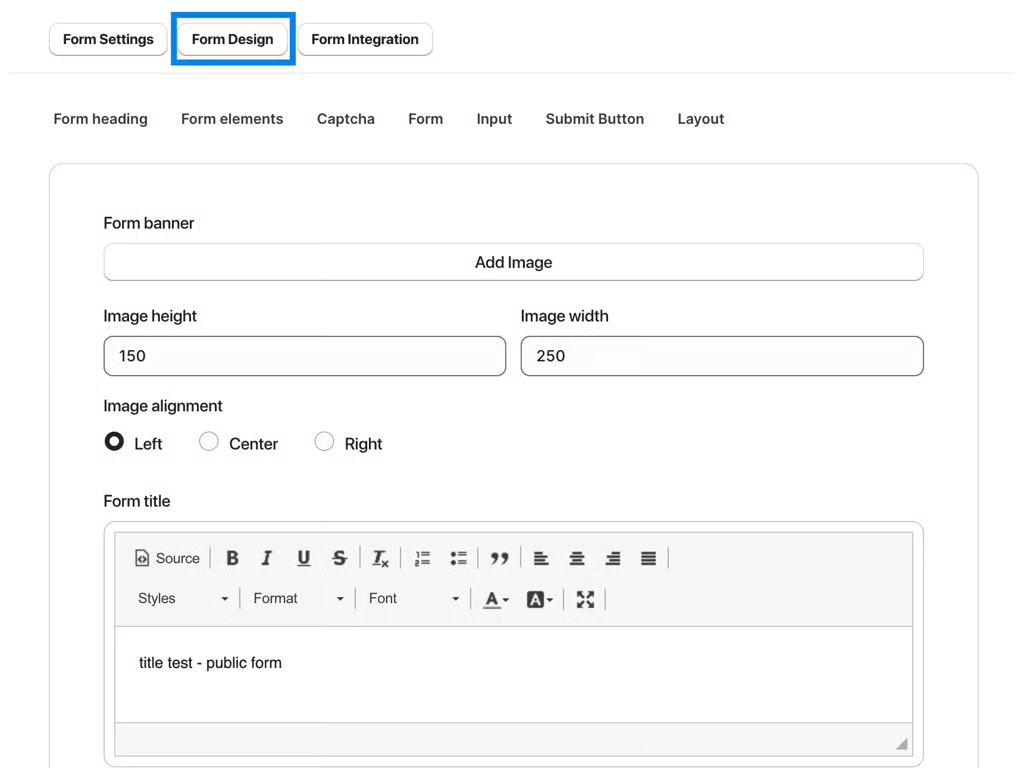
Go to the Form Design section & configure the appearance of the form using the given parameters.
Was this article helpful?
That’s Great!
Thank you for your feedback
Sorry! We couldn't be helpful
Thank you for your feedback
Feedback sent
We appreciate your effort and will try to fix the article