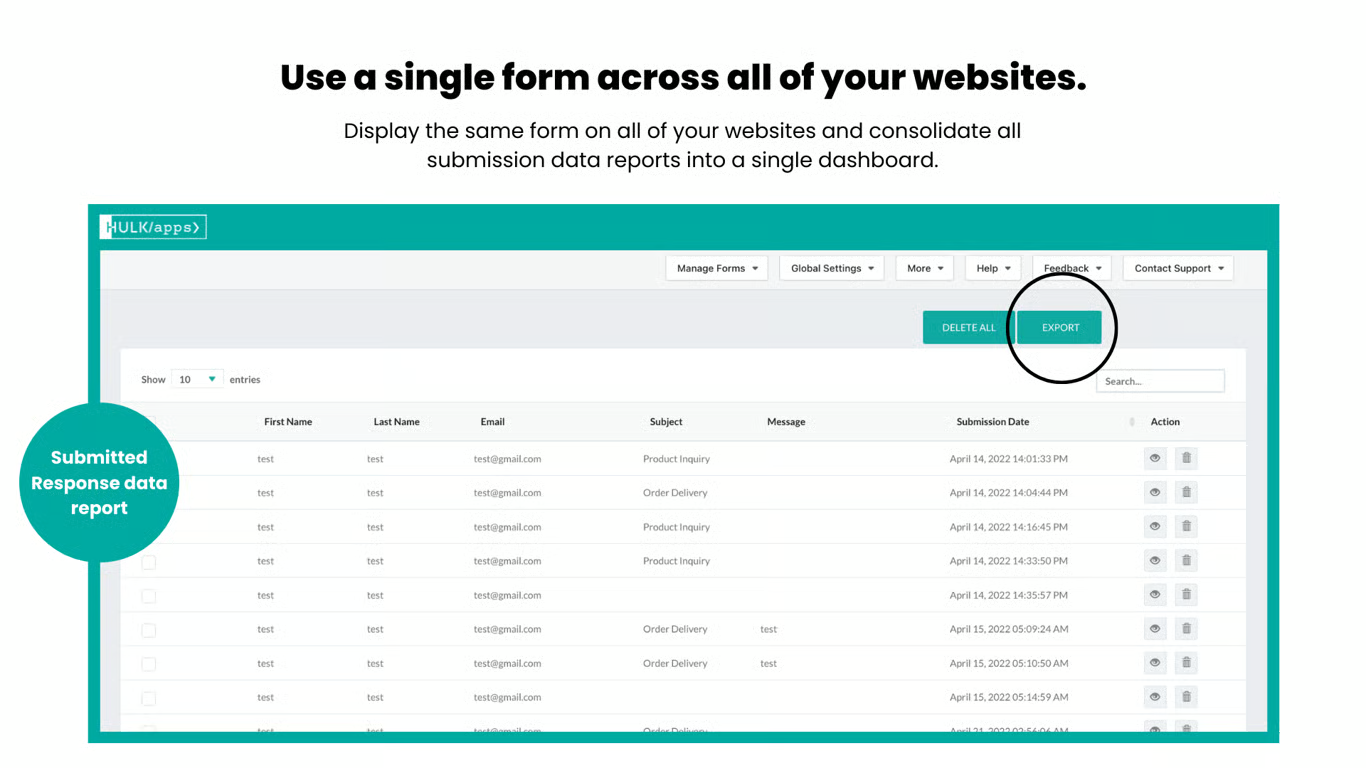
You can export the responses submitted by the users with the forms built by the Form Builder App. All you need to do is:
Step1: Go to the app > Manage Forms > My Current Forms (Select “Create a new form” if you haven’t created any form yet.)
Step2: Click on Submitted Responses under “Action”
Click on Export to CSV or Export to XLSX format as per your need.
Was this article helpful?
That’s Great!
Thank you for your feedback
Sorry! We couldn't be helpful
Thank you for your feedback
Feedback sent
We appreciate your effort and will try to fix the article