The app allows you to edit/delete the metafields in bulk to save time for merchants. This can be done by following these easy steps:
- Go to the app dashboard
- Select the resource where you’ve created metafields earlier & want to edit/delete the metafields in bulk.
- For instance, let us assume you want to edit/delete the metafields in Product
- Click on Product
- You’ll find all the metafields listed here
- To edit the metafields in bulk, simply start making the changes to the metafields values and click on the Save button after making all the preferred changes.
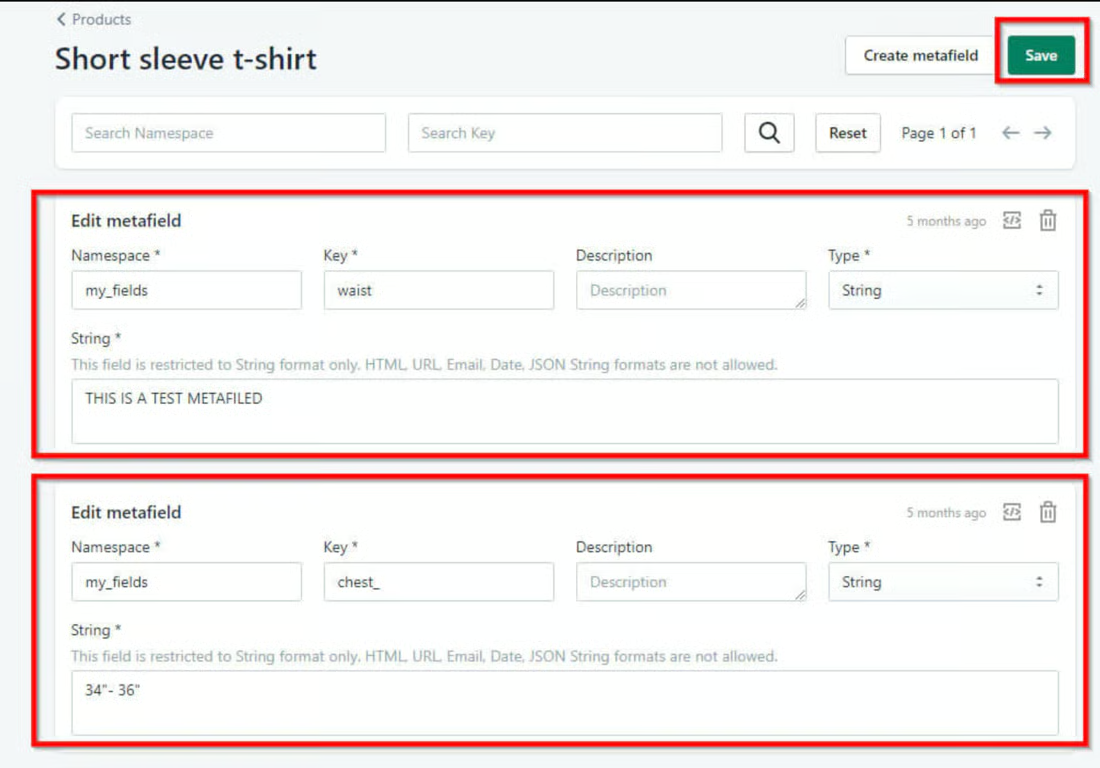
Metafields Edit
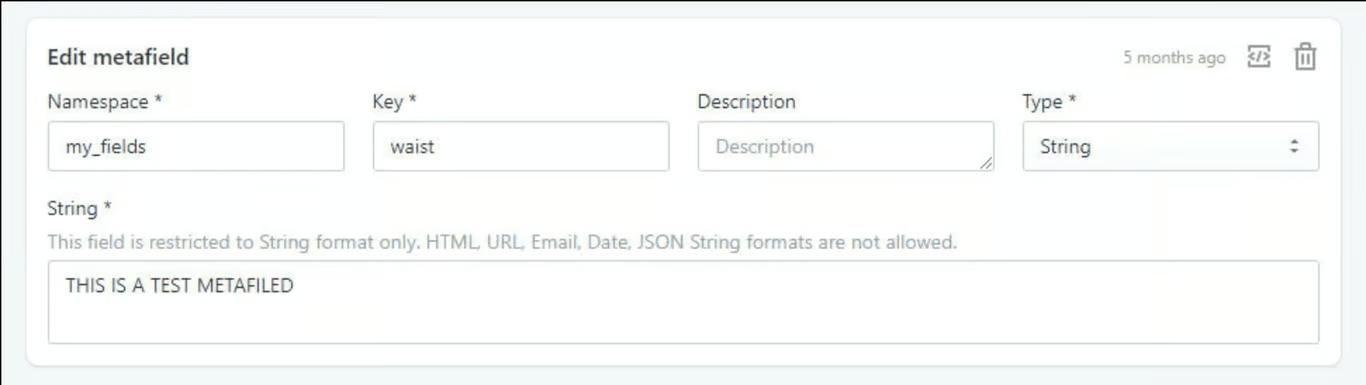
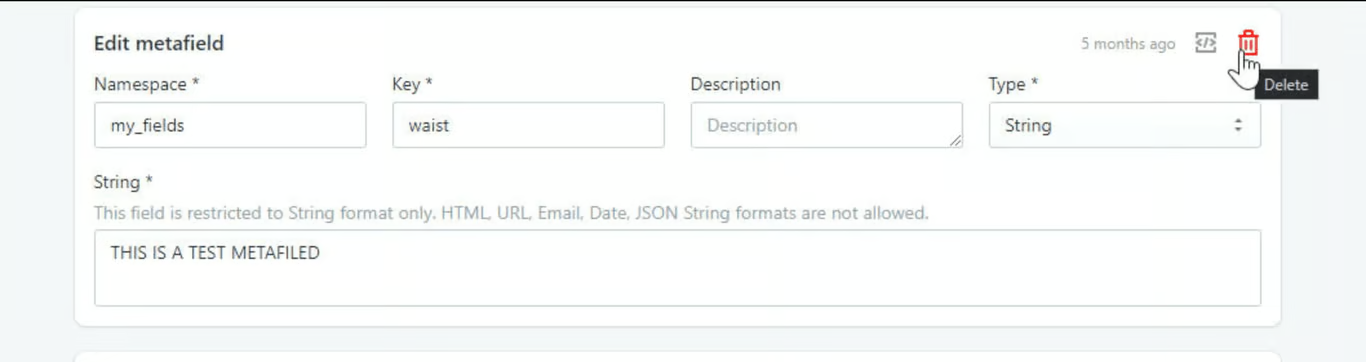
Metafields Delete
Was this article helpful?
That’s Great!
Thank you for your feedback
Sorry! We couldn't be helpful
Thank you for your feedback
Feedback sent
We appreciate your effort and will try to fix the article