1. Navigate to the app's admin panel > Dashboard and click on the Settings button in the menu.
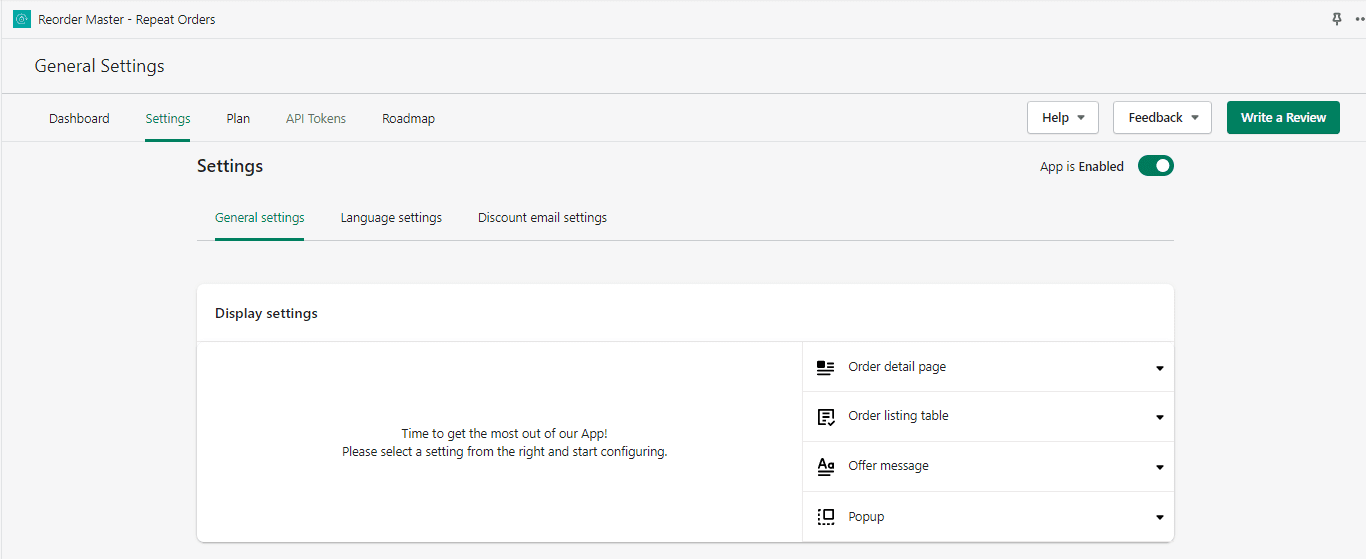
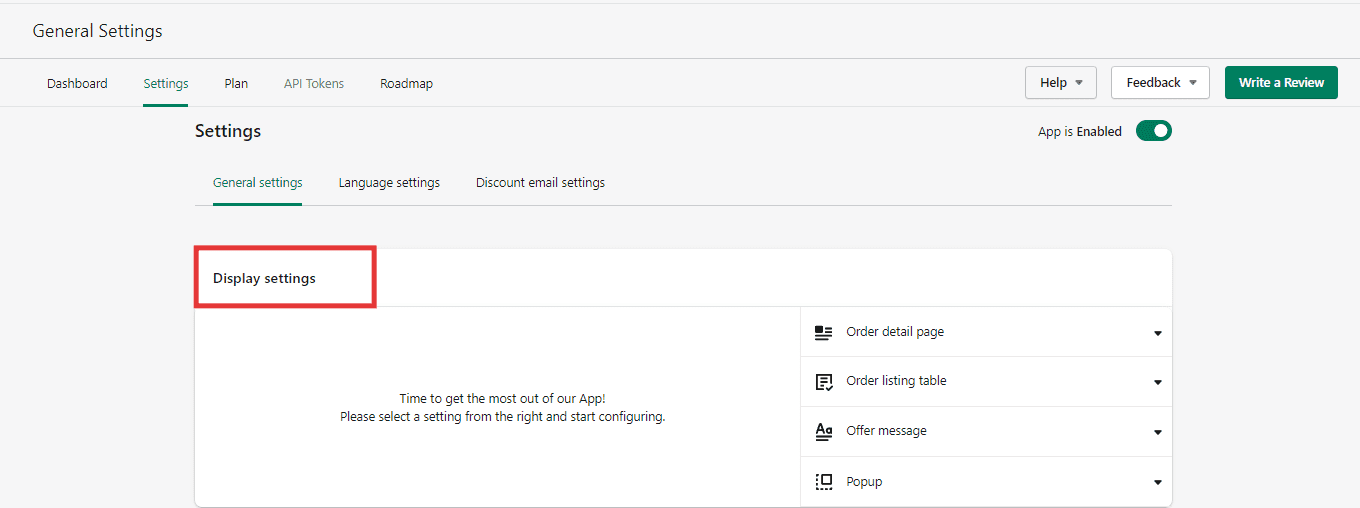
2. Navigate to the General settings -> Display settings.
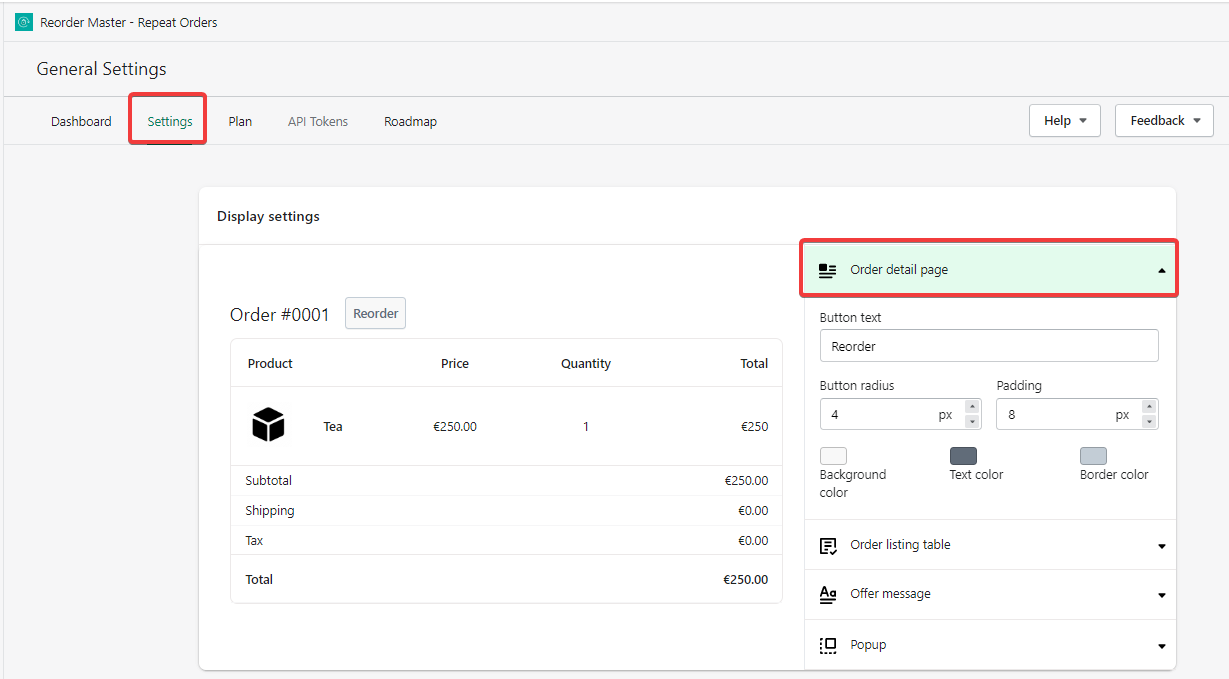
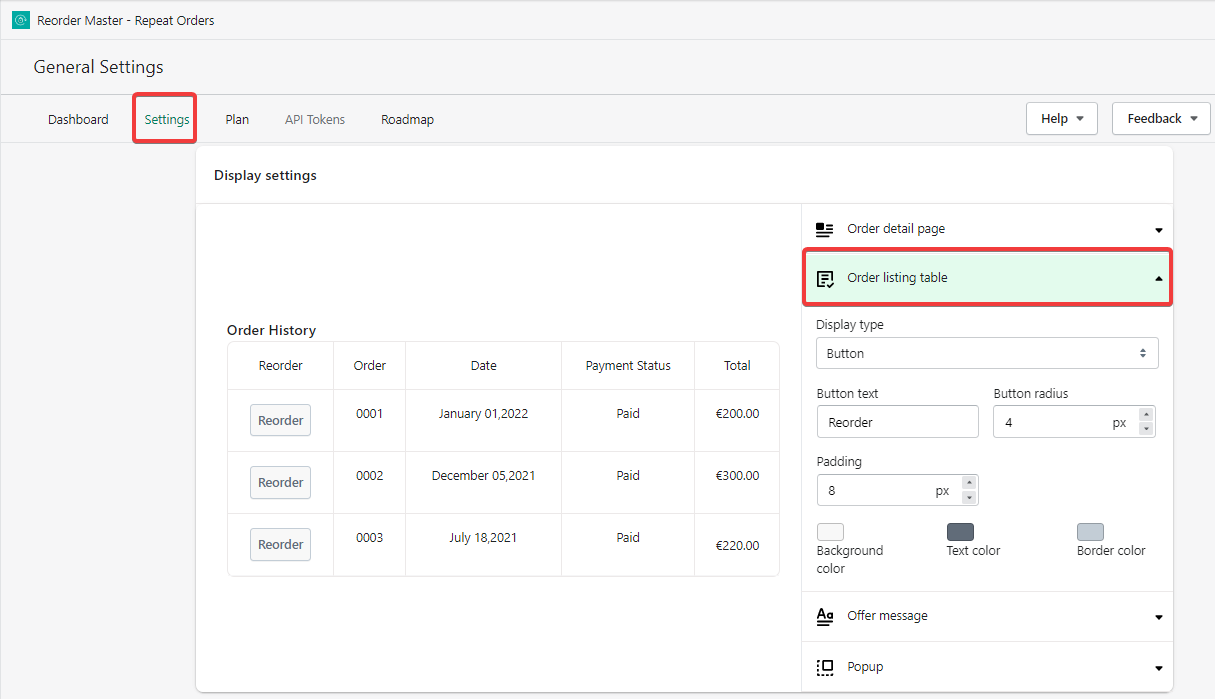
3. The next option is to customize the Reorder button which will be displayed on the customer's order details page and the order listing page.
4. (Optional) You may also customize the Reorder Upsell/Promotional Banner which is displayed on the Customer's account page in your store.
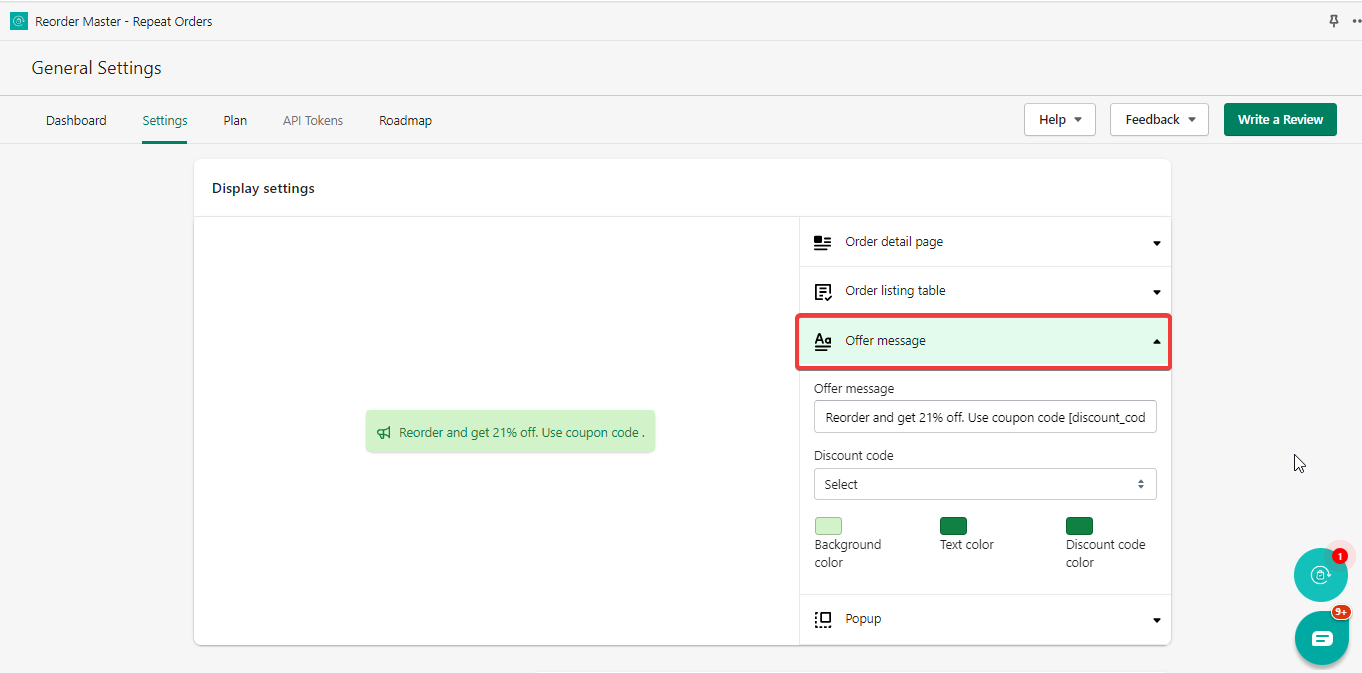
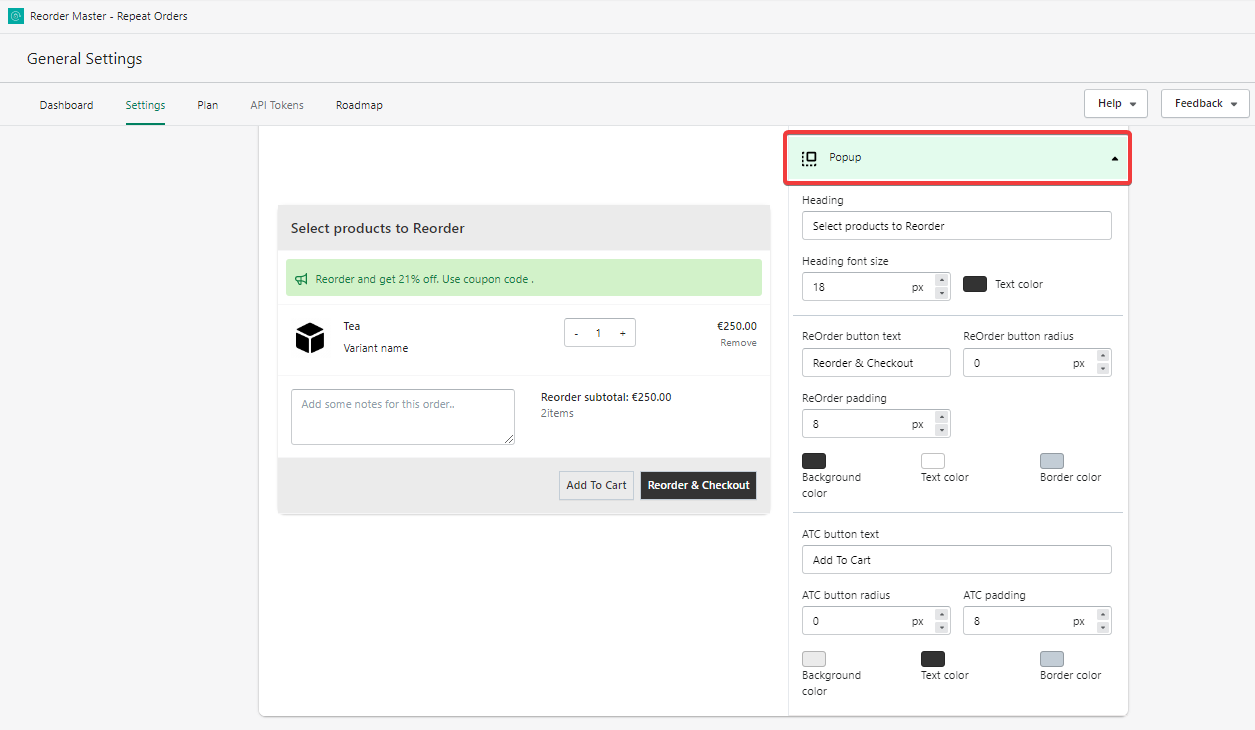
5. The last option you'll find here is to customize the appearance of the popup that will appear when a customer clicks on the Reorder button. Customize your popup as per your preference and save the changes.
Was this article helpful?
That’s Great!
Thank you for your feedback
Sorry! We couldn't be helpful
Thank you for your feedback
Feedback sent
We appreciate your effort and will try to fix the article