This usually happens when the cart price code is missing from the theme.
Please make sure theme integration is completed if the add-on charges are not appearing in the cart drawer or on the cart page.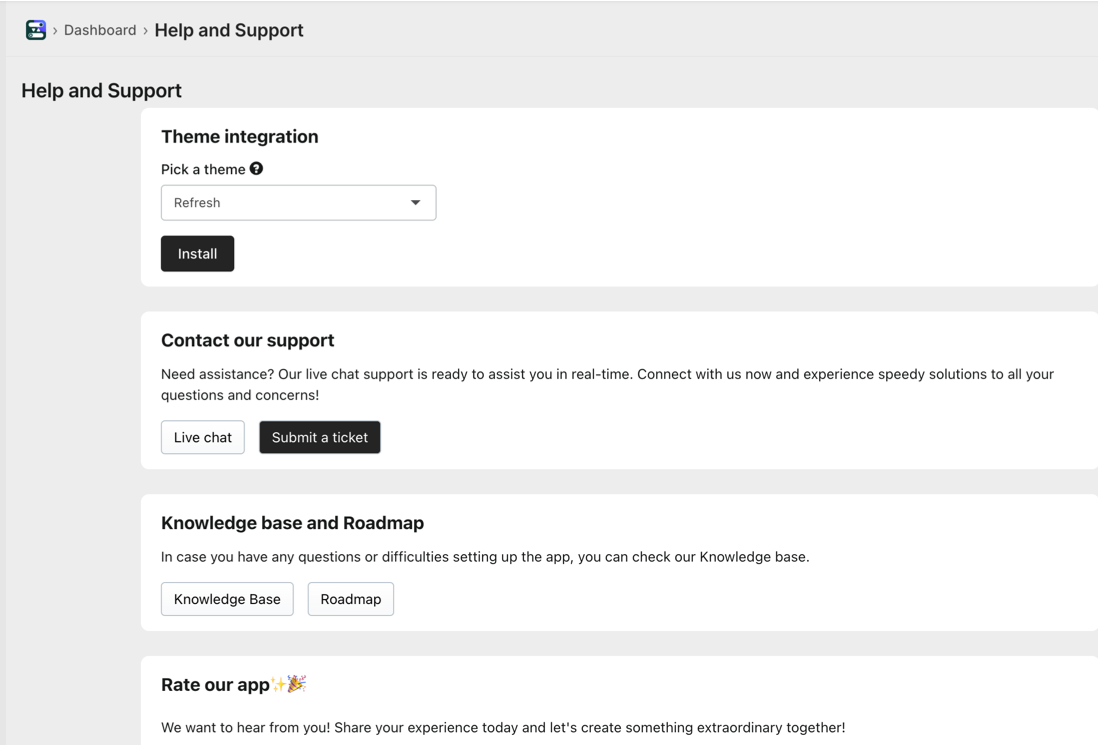
If you’re using a custom theme and the automatic installation doesn’t work, please add the Hulk Product Options cart price snippet to your cart template/theme so option charges display correctly in the cart.
Before making any changes, we recommend duplicating your theme as a backup.
Add the following attributes based on where you want the prices to appear:
data-hulkapps-ci-price data-key="{{item.key}}"→ Displays the product base/unit pricedata-hulkapps-line-price data-key="{{item.key}}"→ Displays the cart/drawer line total pricedata-hulkapps-cart-total→ Displays the overall cart total
Was this article helpful?
That’s Great!
Thank you for your feedback
Sorry! We couldn't be helpful
Thank you for your feedback
Feedback sent
We appreciate your effort and will try to fix the article