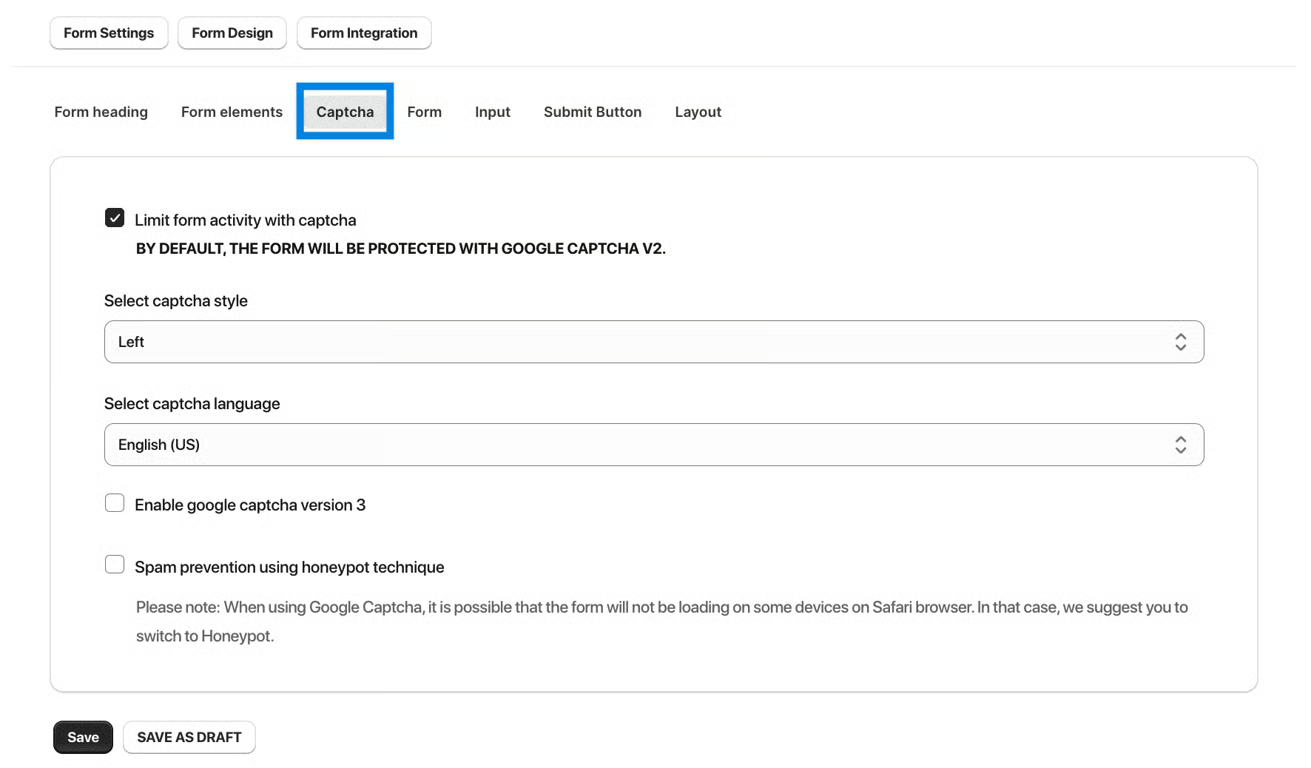
Google Captcha validates human users and protects any form submission from bots. You can also enable Captcha and select its position in your form. All you need to do is enable this feature in the Form Design.
Tick the mark to enable the captcha.
Choose your placement position.
Change the Google Captcha text in any language. By default, the text will be in English. You can change the Google reCAPTCHA text to another language.
Was this article helpful?
That’s Great!
Thank you for your feedback
Sorry! We couldn't be helpful
Thank you for your feedback
Feedback sent
We appreciate your effort and will try to fix the article