One of the most requested features is now live! You are now free to set up your form in as many pages as you want!
Go into the Form Design section of your form
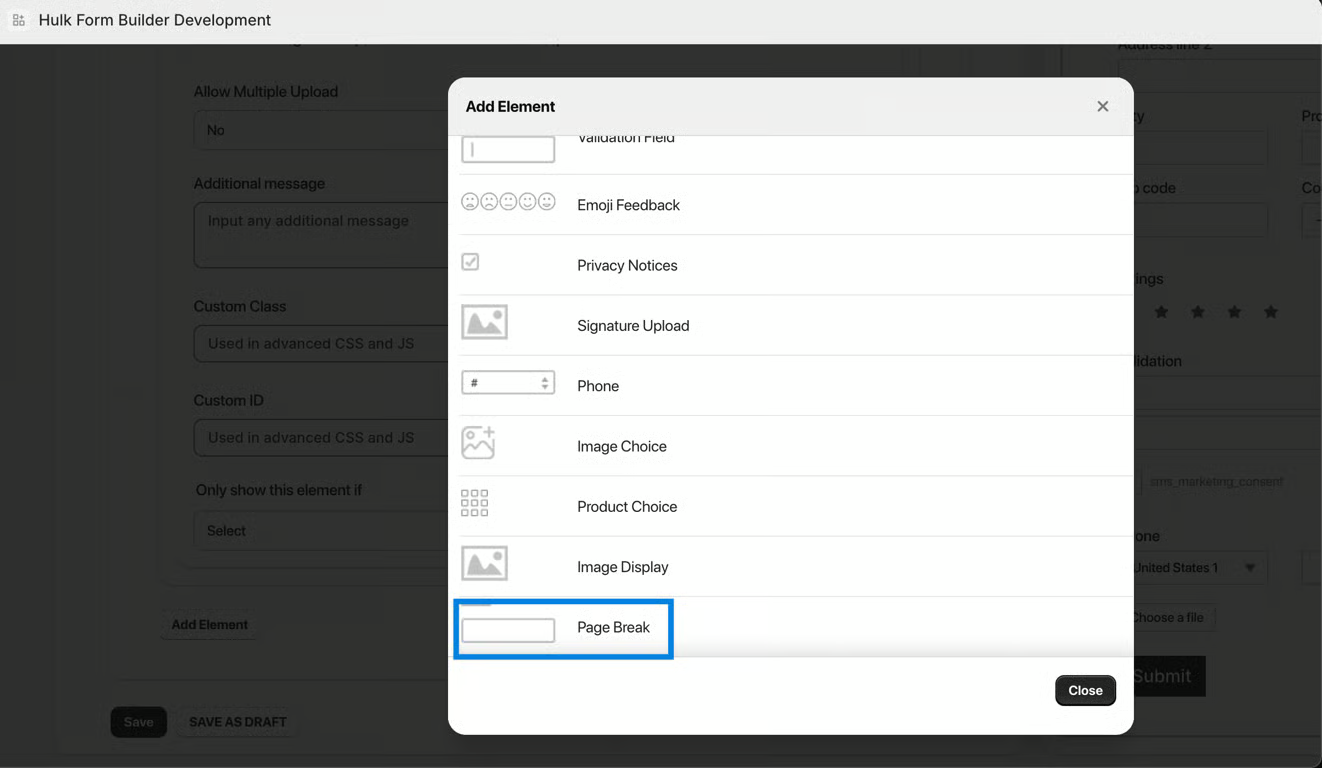
Go to the Form Elements tab, and choose to Add Element
The element you would now want to choose is Page Break, as shown in the screenshot below:
Was this article helpful?
That’s Great!
Thank you for your feedback
Sorry! We couldn't be helpful
Thank you for your feedback
Feedback sent
We appreciate your effort and will try to fix the article