Find all submission records in one place within Forms > Live / Draft forms preview.
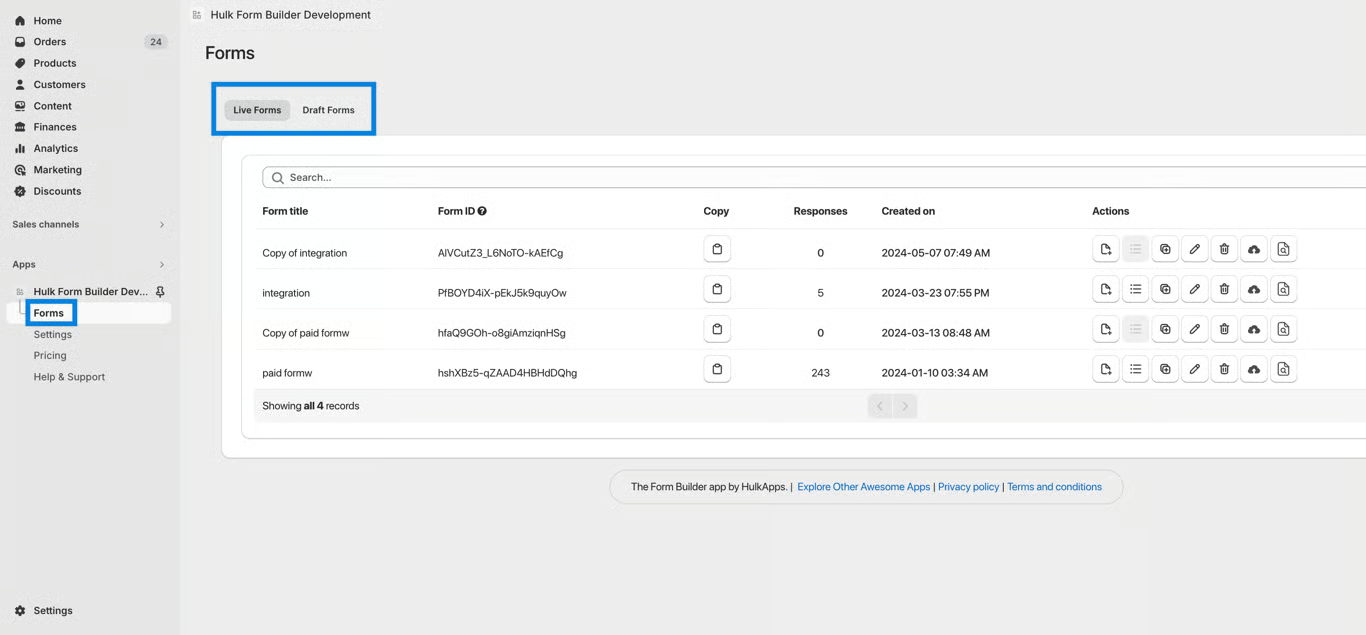
We have implemented the feature of form responses displaying in a pop-up. This means you will be able to check out all the submitted responses to your form through a pop-up window. This UX boost means that rather than visiting a whole new page and having to go back after you're done browsing through the submissions, you simply click away.
All responses will be available for reference.
You can find the submitted responses by navigating to Forms -> clicking on the second icon of submitted responses from the action menu, or you can directly click on the submission count to view the submitted responses.
If you have added your email address in the notification email field, then you will receive an email when the form is submitted by the user.
Was this article helpful?
That’s Great!
Thank you for your feedback
Sorry! We couldn't be helpful
Thank you for your feedback
Feedback sent
We appreciate your effort and will try to fix the article