Shopify POS empowers business owners to sell products in person from virtually anywhere. It supports sales across multiple locations and channels, facilitates payments, and delivers exceptional customer experiences. Additionally, it syncs with your online Shopify store, enabling you to track and manage orders and inventory seamlessly across all sales channels.
The integration between Hulk Advanced Wishlist and Shopify POS enhances this functionality even further. It allows you to store and track both online and offline purchases, enroll customers in a rewards program, and redeem points both in-store and online. This integration helps you grow your business by converting one-time shoppers into loyal, repeat customers.
Step-By-Step Guide to Integrate Hulk Advanced Wishlist with Shopify POS
Step 1. Download the Shopify POS app on the App Store or Google Play. It's available for both iOS and Android devices.
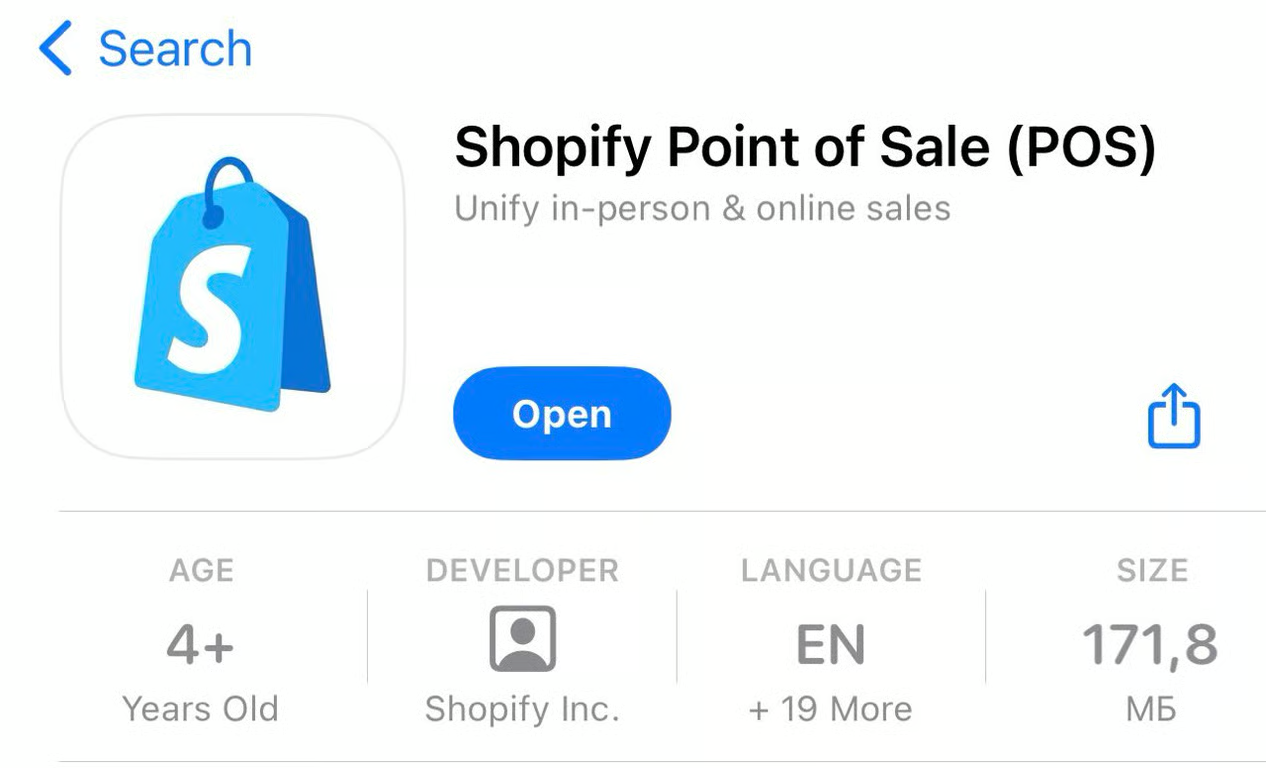
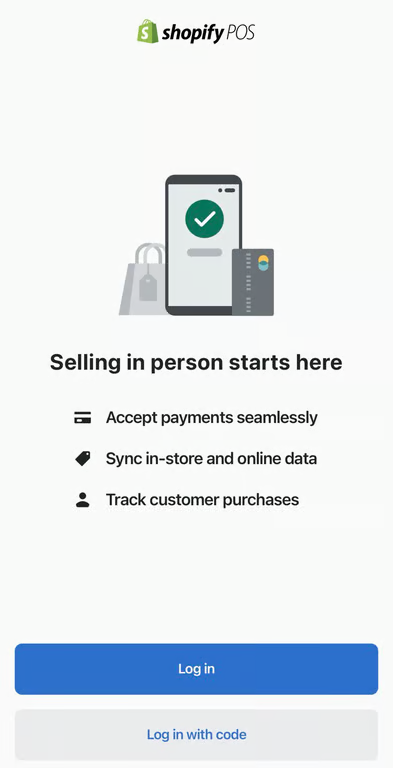
If you already have a Shopify account, you’ll be prompted to log in. Then the app will automatically fill up with all the products you sell.
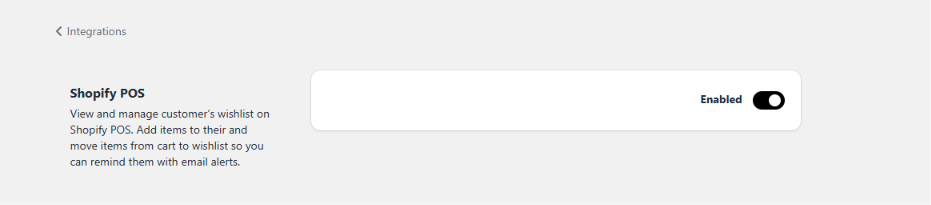
Step 2. Enable Shopify POS integration inside Hulk Advanced Wishlist app
Step 3. To integrate Hulk Advanced Wishlist extension into the POS dashboard, follow these steps: Add tile > App > Advanced Wishlist > View Customer's Wishlist > Save
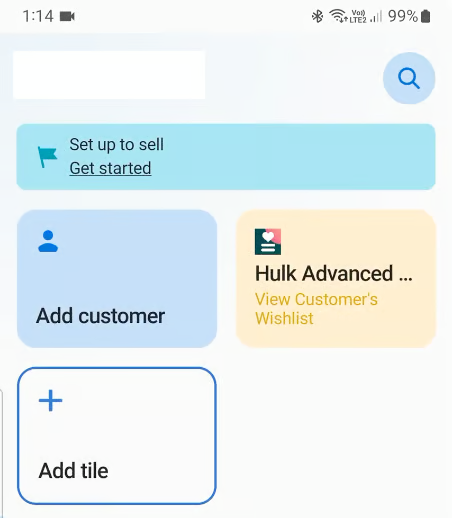
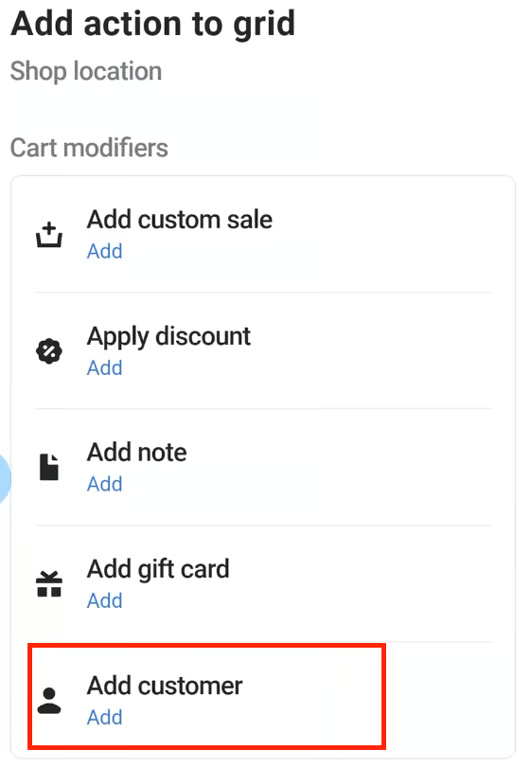
Step 4. To Add a Customer, add a tile > Action > Add customer > Add > Save
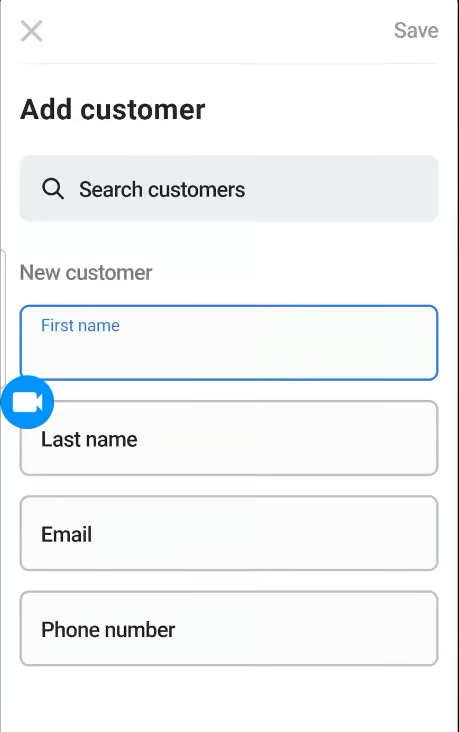
Step 5. To find a customer, you can search under Add Customer tile > Type Customer Name or Email > Select a particular customer
Step 6. Add or remove wishlisted items from a customer's list by going to View customer's wishlist activity.
That's it! Hope it was clear and interesting. If not, please contact our support team, and we'll gladly help you with your requests and questions.
Was this article helpful?
That’s Great!
Thank you for your feedback
Sorry! We couldn't be helpful
Thank you for your feedback
Feedback sent
We appreciate your effort and will try to fix the article
